


From AI Assistance to Business Actions

There’s a meaningful difference between an AI tool that answers a question and one that can act on it. A Copilot-style assistant might tell an employee what a policy says. An AI agent can go further — checking a status, updating a record, or starting a workflow, within limits that are defined in advance.
Most organizations start with the first and expand into the second once there’s confidence in how the system behaves. We design for that progression rather than assuming every use case needs full autonomy from day one. when the required actions carry high risk without a clear approval step, or when the organization isn’t yet using Microsoft 365 as its core productivity platform.
Microsoft Copilot & AI Agents for the Way Your Teams Already Work

Microsoft Copilot Studio
We use it to build assistants scoped to a specific department, process or knowledge base, rather than a general-purpose chatbot. That scoping is usually what makes the difference between a Copilot tool people actually use and one they ignore after the first week.

Custom Microsoft Copilot Solutions
A custom Copilot solution typically combines business knowledge from documents, SharePoint, or structured data with the specific processes and tasks the assistant is meant to handle.

AI Agent Development
We build agents around specific responsibilities. An agent that manages one part of a process, with clear boundaries, is generally more reliable and easier to trust than one designed to handle everything.

Knowledge-Grounded Assistants
An assistant grounded in your organization’s own information can answer questions using approved documents, policies and data — with a reference back to the source — rather than producing an answer with no way to check it.

Connect Copilot With Business Systems
This includes Microsoft 365 and Outlook for email and calendar tasks, SharePoint for document-based knowledge, Teams as the primary interface for many internal assistants, Power Automate for triggering workflow steps, and Dataverse or Dynamics 365 for structured business and CRM data.

Power Platform Integration
Power Automate is often the bridge between a Copilot conversation and an actual business action — submitting a request, updating a record, or starting an approval process. Power Apps can also provide a lightweight interface when a full conversational experience isn’t necessary.
When Copilot or AI Agents Make Sense
This approach tends to work well when:

Repetitive Questions
Employees ask the same categories of questions repeatedly.

Cross-System Checks
A process involves checking information across more than one system.

Low-Risk, Defined Tasks
There's a clear, defined task an agent could take on with limited risk if something goes wrong.

Existing Microsoft 365 Environment
Your organization already has a Microsoft 365 environment the assistant can be deployed into.

Microsoft solution deployments

Faster reporting
Less manual work
Operational efficiency improvement
How We Implement AI here?
Implementation Approach
Identify
Identify the specific task, process or knowledge area the assistant or agent will support.
Data & Systems
Map the data sources and systems it will need to connect to.
Design
Design the conversation flow, actions and permission boundaries.
Build
Build and configure the solution in Copilot Studio or as a custom agent.
Secure/Test
Apply governance controls and test against realistic scenarios.
Deploy
Deploy into Teams, SharePoint or the relevant Microsoft 365 surface.
Why Choose Codevision?
We work directly with Microsoft Copilot Studio and the broader Microsoft 365 ecosystem, which means Copilot and agent solutions we build sit naturally alongside the tools your teams already use. We also treat agent permissions as a design decision, not a default setting — an agent gets access to what its task requires, and nothing beyond that.
Microsoft Copilot Expertise
We work directly within Microsoft Copilot Studio and the broader Microsoft 365 ecosystem, so every solution sits naturally alongside the tools your teams already use.

Scoped Assistants
We build Copilot experiences and agents scoped to a specific department, process, or knowledge base — the kind of focus that gets used, not ignored after week one.

Permissions as a Design Decision
Agent access is defined by what the task actually requires, not left as a default setting — nothing is granted beyond what's needed.

Built-In Governance
Every solution includes explicit rules for access, permitted actions, and approval logging, set up during design and tested before deployment — not added afterward.


Real Results. Real Impact.
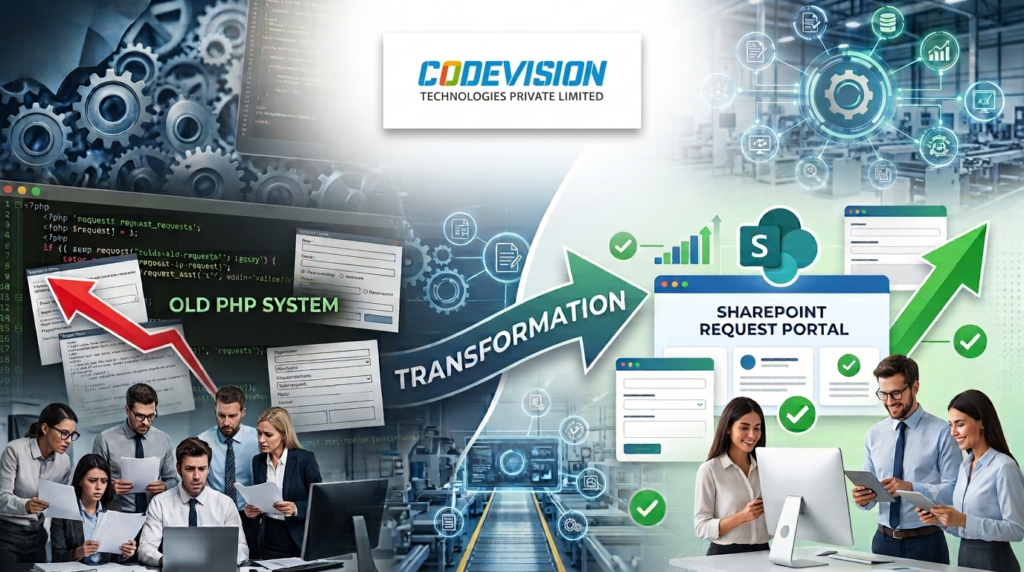
Explore All Case StudiesHow a US Manufacturer Replaced a Legacy PHP Request System with One SharePoint Request Portal
One SharePoint portal replaced a legacy PHP request system for a US manufacturer, with seven request types, automated approvals and a reported 60% faster processing.
60%
Faster Request Processing
50%
Less Manual Work
45%
Fewer Processing Errors
40%
Faster Decision-Making
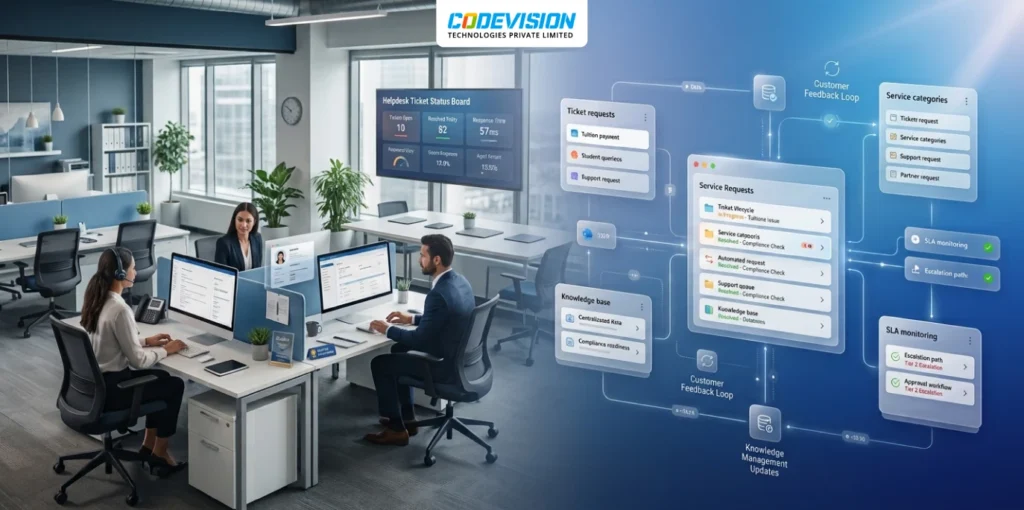
Consolidating Two Support Systems into One Microsoft 365 Helpdesk for a Cross-Border Payments Company
Paying per agent and relying on outside developers to change a single rule? This payments company replaced both of its help desks with one Microsoft 365 solution and kept customer data inside its own tenant.
5,000
Tickets Processed
40+
Business Rules
100%
Support Data In-Tenant
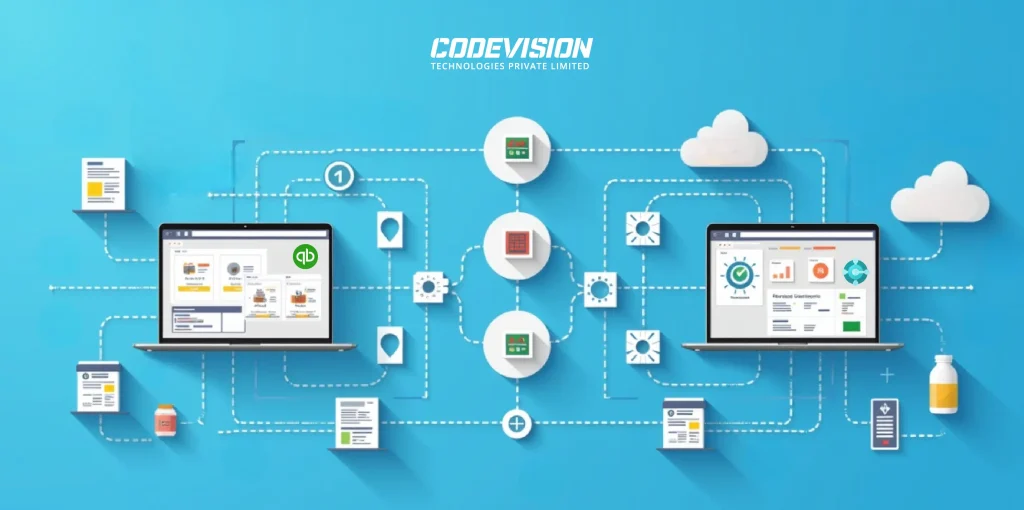
Transforming Pharma Inventory and Financial Management via Dynamics 365 Business Central–QuickBooks Integration
Discover the real-world impact of integrating Dynamics 365 Business Central with QuickBooks — better batch tracking, automated processes, accurate reporting, and scalable pharma operations.
99%
Sync Accuracy
50%
Faster Reconciliation
80%
Fewer Data Errors
35%
Better Compliance
Trusted by Businesses Worldwide: What Our Clients Say
They've experienced our services and they know how we did it.

Thanks to CODEVISION TECHNOLOGIES's efforts, our administrative workload was reduced by 30% through automated timesheet processing. They managed the project reliably and communicated proactively and transparently.
Youth Unity CIC

Whenever we have additional workloads requiring additional resources, Codevision team was great. Very responsive and they make many efforts to make sure we have the work as requested in a concise and timely manner.
Gilles Pinard – Canada

“Jinesh was a pleasure to work with. I worked with other people with no luck, found Jinesh and his team and it became so easy. We had our site up and running when they said it would be. They answered all questions and worked with us to understand how to operate in the admin role. I plan to work with them again in the future for our SharePoint site.”
Rick Reiter
Titan Renewables

“Ashish and his team are one of the few people that I look at and consider know what SharePoint can and can’t do . They have been there, done that, and lived to tell about it. Ashish is tireless in his effort to deliver and is always someone that you can count on for sound technical advice.”
Peter Ward
“Great work by Jinesh and his team! He is proven to be a veteran for SharePoint development. His team promptly available and very professional. They kept me updated daily as the development progressed. Delivered in a timely fashion and patiently covered all my concerns.”
Bhavani Rajadeepan
Aara Solutions
“I have had an opportunity to work with the CodeVision team on couple of critical Microsoft Share Point projects. I found the team very knowledgeable, responsive, and committed to making the projects successful.”
Manoj Gupta
Zibanka Media Services Pvt Ltd

“Great work, timely and prompt with all communications and deliverables.”
Acorn Sales Company, Inc
“Ashish and the CODEVISION team are exceptional. Their attention to detail, focus on delivery and work product are excellent. We continue to use CODEVISION for numerous projects within our organization.”
Arif Harji
Mtfx Group
Turning my vision into reality was tough—until I met Ashish and the Codevision team. With their expertise and Microsoft’s latest tools, they helped build Visibility™, a system that empowers great credit controllers to thrive. Their support has been exceptional, and we see them as a key partner in our future app development.
OnCloud Solutions Ltd

CODEVISION have been developing our websites for the last year and we have found them proactive, giving great feedback and ideas. The team at CodeVision are professional, responsive and excellent in communication. We have no hesitation in recommending them as they are absolute experts in what that do.
Veritas Commercial Services
The system speed up the business data processes, which received a high level of end-clients satisfaction. The people were able to understand their tasks and clarify expectations from requesters. CODEVISION TECHNOLOGIES PRIVATE LIMITED’s customer-oriented approach outstandingly solved the problem.
Hyva, Netherlands

Do you want quality? You should hire CODEVISION team. Unbelievable developers and great people too! It was such a pleasure to work with them. We have no doubts that we are going to work together again.
Agency Coda

Codevision delivered good work on this SharePoint development project and I enjoyed working with them. Communication was top-notch, they met all deadlines, and skills were reasonably strong. I enjoyed working with them and will likely have additional projects for them in the future.
Aalto Srl Italy

Resources Teaser
WordPress
PHP2Shell Vulnerabilities: What Businesses Need to Know and How to Protect Their Systems
Read about the critical PHP2Shell vulnerabilities, affected PHP versions, potential risks, and the steps businesses should take to protect their web applications.

Microsoft Frontier
What Is a Microsoft Frontier Firm? 7 Characteristics of AI-First Organizations
AI adoption is no longer just about using tools—it is about building an AI-first operating model. Learn what a Microsoft Frontier Firm is and the 7 defining characteristics that separate industry leaders from the rest.

Microsoft Frontier
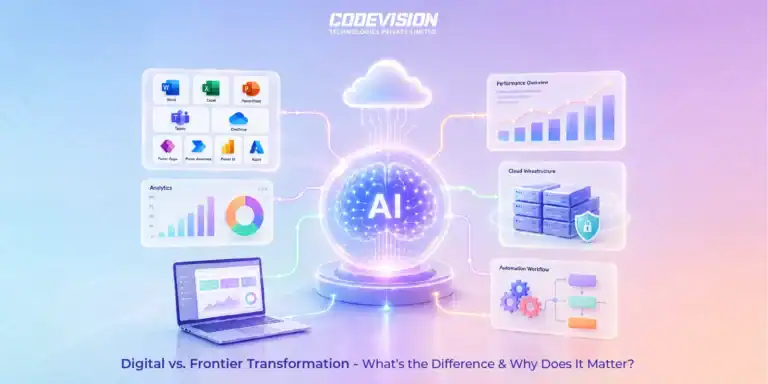
Digital Transformation vs. Frontier Transformation: What’s the Real Difference?
Digital transformation digitized business processes. Frontier Transformation goes further by combining AI, automation, intelligent agents, and connected systems to create smarter, AI-powered enterprises.
Trusted by Progressive Companies






Frequently Asked Questions
Copilot is Microsoft’s assistant framework, typically used for answering questions and supporting tasks within Microsoft 365. A custom AI agent is usually built for a more specific, defined task and may take actions on its own within set limits.
Both are possible. We usually start with suggestions or draft actions that a person approves, and expand permissions only where there’s confidence in how the agent behaves.
Typically, yes, for Copilot Studio-based solutions. We can advise on licensing as part of scoping the project.
In many cases, yes — through Power Automate, APIs or other integration methods. See our AI Automation & Integration page for more on connecting AI to a broader set of business systems.