


AI Automation & Integration for Everyday Business Processes
Traditional automation follows fixed rules: if a field matches a condition, do this. That still works well for a lot of processes. AI becomes useful when the input is less predictable — a document that doesn’t follow a strict template, a request written in plain language, or a decision that depends on context a rule can’t fully capture.
Most of the automation we build combines both: rules-based logic where it’s reliable, and AI where judgment or interpretation is genuinely needed.
What We Automate
- Documents — invoices, forms, contracts and reports that need to be read and acted on.
- Approvals — requests that move through a chain of sign-offs.
- Requests — employee or customer requests that follow a repeatable pattern.
- Data movement — information that needs to move between systems that don’t natively connect.
- Notifications — updates that should reach the right person without someone sending them manually.
- Business workflows — multi-step processes that span more than one system or team.
What Codevision Technologies Built For You?

Intelligent Document Processing
Many business processes still start with a document — an invoice, a purchase order, an application form. Intelligent document processing reads that document, extracts the relevant fields, and routes the result into the next step of a workflow, instead of someone manually retyping the same information into another system.

Workflow Automation
Workflow automation covers the steps from a request coming in to a business outcome being delivered — routing, approvals, status updates, and team handoffs. We typically use Power Automate as the underlying engine, adding AI only when a step needs interpretation rather than a fixed rule.

AI-Powered Process Automation
Understand the incoming request or document → Classify it by type → Extract the relevant information → Recommend a next action → Route it to the right system or person → Act, either automatically or after approval.

AI Integration Services
An automation or AI component is only as useful as the systems it can connect to, and we integrate AI capabilities across Microsoft 365 for document and communication workflows, SharePoint for content, and Dynamics 365 for CRM and business data.

Intelligent Document & Data Processing
As one practical example: an invoice arrives by email. The system extracts the vendor, amount and line items, checks them against a purchase order in the finance system, and either routes the invoice for approval automatically or flags it for manual review if something doesn’t match.

RPA & Existing Automation
Not every automation opportunity needs AI. If a process is fully rules-based — consistent inputs, consistent outputs, no interpretation required — traditional automation or RPA is often the simpler and more reliable choice.
When Automation Makes Sense
Automation is usually worth pursuing when:

Frequent, Repetitive Processes
A process is repeated often enough that manual handling adds up.

Duplicate Data Entry
The current process involves re-entering the same data across systems.

Variable Documents or Requests
Documents or requests vary enough that a rigid, template-based approach breaks down.

Clear Human Review Point
There's a clear point where a human should still review or approve the outcome.

Support data kept in-tenant

SLA compliance achieved

Fewer data errors

Faster reconciliation
How we do automation-integration?
Implementation Process
Map
Map the current process, including exceptions and edge cases.
Identify
Identify where automation and AI genuinely add value.
Design
Design the workflow, including approval and exception paths.
Build
Build the automation and any AI components it requires.
Test
Test against real scenarios, not just the ideal case.
Deploy
Deploy with monitoring in place from day one.
Why Choose Codevision?
We build automation as part of a broader Microsoft-based technology practice, which means the workflows we create fit alongside Dynamics 365, SharePoint and Microsoft 365 rather than operating as a separate system to maintain. We also apply AI selectively — where a process genuinely benefits from it — rather than defaulting to an AI-based solution for every automation request.
Part of a Microsoft Practice
Automation is built as part of a broader Microsoft-based technology practice, not as an isolated specialty. This means deeper familiarity with how these systems behave in real environments.
Fits Alongside Existing Systems
Workflows we create sit naturally alongside Dynamics 365, SharePoint, and Microsoft 365. There's no separate system layered on top that your team has to maintain independently.
No Extra System to Manage
Because automation is integrated rather than bolted on, it doesn't become another platform competing for attention. It works within the tools your teams already rely on daily.
AI Applied Selectively
We apply AI only where a process genuinely benefits from it, rather than defaulting to an AI-based solution for every automation request. The right tool is chosen for the task, not the trend.


Real Results. Real Impact.
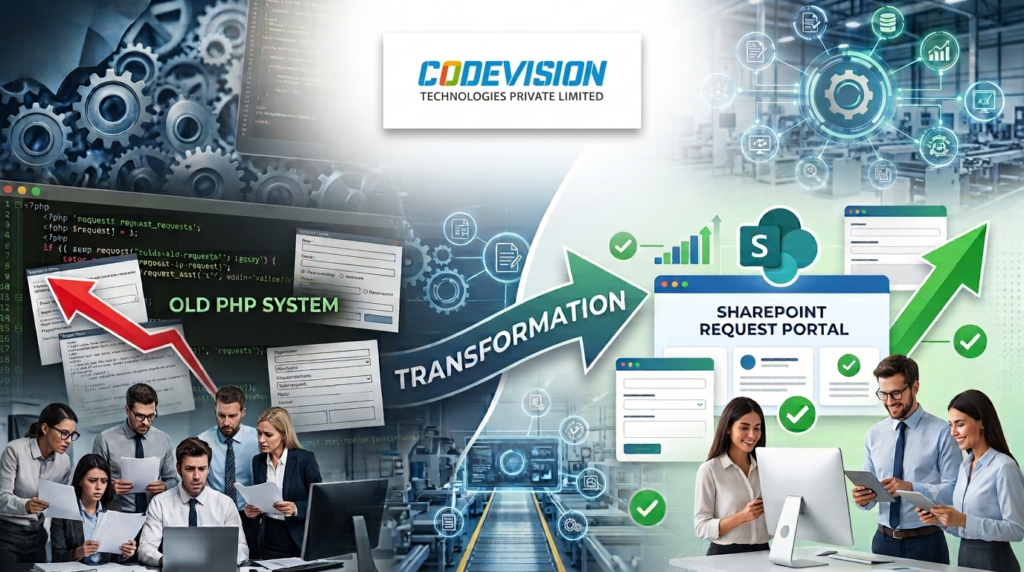
Explore All Case StudiesHow a US Manufacturer Replaced a Legacy PHP Request System with One SharePoint Request Portal
One SharePoint portal replaced a legacy PHP request system for a US manufacturer, with seven request types, automated approvals and a reported 60% faster processing.
60%
Faster Request Processing
50%
Less Manual Work
45%
Fewer Processing Errors
40%
Faster Decision-Making
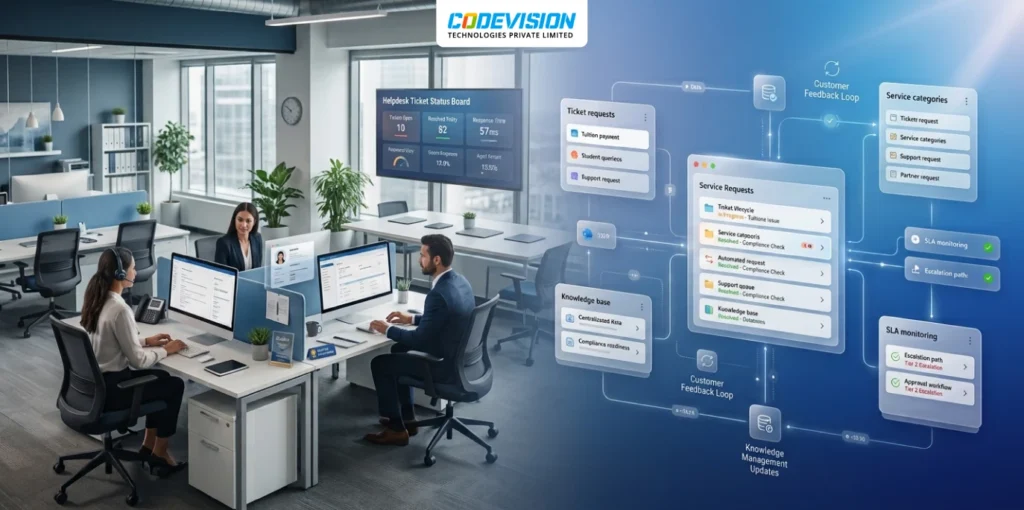
Consolidating Two Support Systems into One Microsoft 365 Helpdesk for a Cross-Border Payments Company
Paying per agent and relying on outside developers to change a single rule? This payments company replaced both of its help desks with one Microsoft 365 solution and kept customer data inside its own tenant.
5,000
Tickets Processed
40+
Business Rules
100%
Support Data In-Tenant
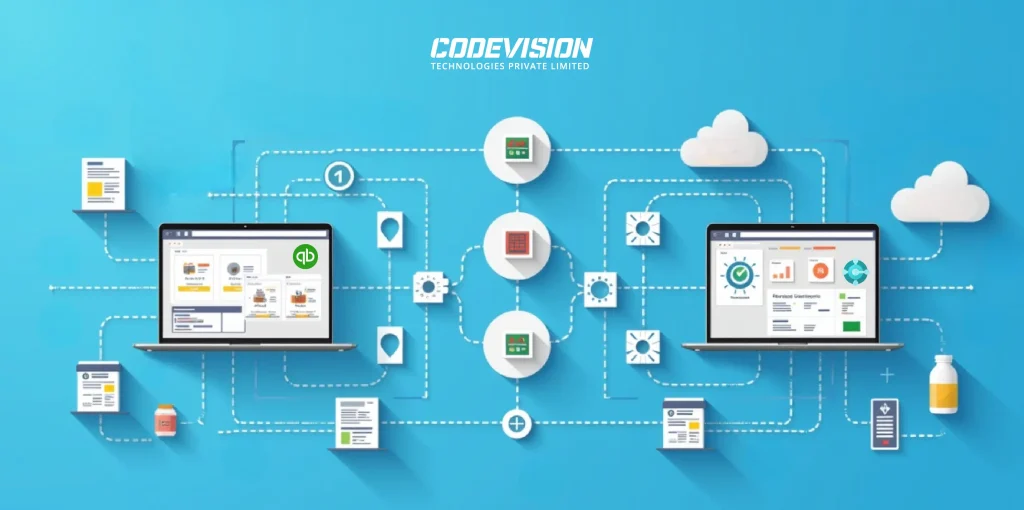
Transforming Pharma Inventory and Financial Management via Dynamics 365 Business Central–QuickBooks Integration
Discover the real-world impact of integrating Dynamics 365 Business Central with QuickBooks — better batch tracking, automated processes, accurate reporting, and scalable pharma operations.
99%
Sync Accuracy
50%
Faster Reconciliation
80%
Fewer Data Errors
35%
Better Compliance
Trusted by Businesses Worldwide: What Our Clients Say
They've experienced our services and they know how we did it.

Thanks to CODEVISION TECHNOLOGIES's efforts, our administrative workload was reduced by 30% through automated timesheet processing. They managed the project reliably and communicated proactively and transparently.
Youth Unity CIC

Whenever we have additional workloads requiring additional resources, Codevision team was great. Very responsive and they make many efforts to make sure we have the work as requested in a concise and timely manner.
Gilles Pinard – Canada

“Jinesh was a pleasure to work with. I worked with other people with no luck, found Jinesh and his team and it became so easy. We had our site up and running when they said it would be. They answered all questions and worked with us to understand how to operate in the admin role. I plan to work with them again in the future for our SharePoint site.”
Rick Reiter
Titan Renewables

“Ashish and his team are one of the few people that I look at and consider know what SharePoint can and can’t do . They have been there, done that, and lived to tell about it. Ashish is tireless in his effort to deliver and is always someone that you can count on for sound technical advice.”
Peter Ward
“Great work by Jinesh and his team! He is proven to be a veteran for SharePoint development. His team promptly available and very professional. They kept me updated daily as the development progressed. Delivered in a timely fashion and patiently covered all my concerns.”
Bhavani Rajadeepan
Aara Solutions
“I have had an opportunity to work with the CodeVision team on couple of critical Microsoft Share Point projects. I found the team very knowledgeable, responsive, and committed to making the projects successful.”
Manoj Gupta
Zibanka Media Services Pvt Ltd

“Great work, timely and prompt with all communications and deliverables.”
Acorn Sales Company, Inc
“Ashish and the CODEVISION team are exceptional. Their attention to detail, focus on delivery and work product are excellent. We continue to use CODEVISION for numerous projects within our organization.”
Arif Harji
Mtfx Group
Turning my vision into reality was tough—until I met Ashish and the Codevision team. With their expertise and Microsoft’s latest tools, they helped build Visibility™, a system that empowers great credit controllers to thrive. Their support has been exceptional, and we see them as a key partner in our future app development.
OnCloud Solutions Ltd

CODEVISION have been developing our websites for the last year and we have found them proactive, giving great feedback and ideas. The team at CodeVision are professional, responsive and excellent in communication. We have no hesitation in recommending them as they are absolute experts in what that do.
Veritas Commercial Services
The system speed up the business data processes, which received a high level of end-clients satisfaction. The people were able to understand their tasks and clarify expectations from requesters. CODEVISION TECHNOLOGIES PRIVATE LIMITED’s customer-oriented approach outstandingly solved the problem.
Hyva, Netherlands

Do you want quality? You should hire CODEVISION team. Unbelievable developers and great people too! It was such a pleasure to work with them. We have no doubts that we are going to work together again.
Agency Coda

Codevision delivered good work on this SharePoint development project and I enjoyed working with them. Communication was top-notch, they met all deadlines, and skills were reasonably strong. I enjoyed working with them and will likely have additional projects for them in the future.
Aalto Srl Italy

Resources Teaser
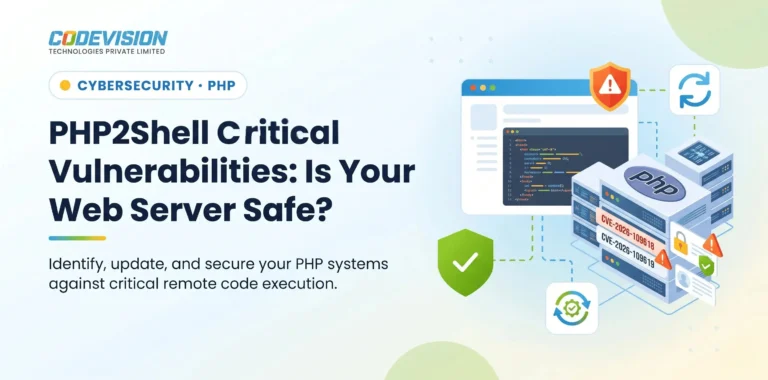
WordPress
PHP2Shell Vulnerabilities: What Businesses Need to Know and How to Protect Their Systems
Read about the critical PHP2Shell vulnerabilities, affected PHP versions, potential risks, and the steps businesses should take to protect their web applications.

Microsoft Frontier
What Is a Microsoft Frontier Firm? 7 Characteristics of AI-First Organizations
AI adoption is no longer just about using tools—it is about building an AI-first operating model. Learn what a Microsoft Frontier Firm is and the 7 defining characteristics that separate industry leaders from the rest.

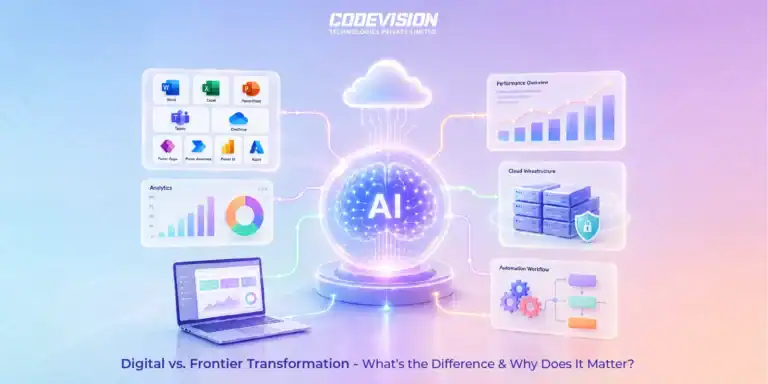
Microsoft Frontier
Digital Transformation vs. Frontier Transformation: What’s the Real Difference?
Digital transformation digitized business processes. Frontier Transformation goes further by combining AI, automation, intelligent agents, and connected systems to create smarter, AI-powered enterprises.
Trusted by Progressive Companies






Frequently Asked Questions
Both, depending on the process. We use traditional rules-based automation where it’s sufficient and add AI where the input is variable enough to need interpretation.
Yes — through APIs, database connections or other integration methods, alongside Microsoft-based tools like Power Automate.
It’s routed to a person for manual review. We design exception handling into the process from the start rather than assuming every case will fit the automated path.
In some cases, yes — see our Microsoft Copilot & AI Agents page for how agents can initiate workflow actions within defined limits.