


Manual vs Modern Timesheets: Complete Comparison & Benefits

- What Is a Timesheet Management System?
- Why Businesses Are Moving Away from Manual Timesheets
- Manual Spreadsheets vs. Automated Timesheet Management System
- 8 Signs Your Business Has Outgrown Excel Timesheets
- Why Time Tracking Is Becoming a Strategic Business Function
- Benefits of an Automated Timesheet Management System
- Why Choose a SharePoint-Based Timesheet Management System?
- Introducing CV Timesheet Management System
- Which Industries Benefit Most from CV Timesheet Management System?
- Why Businesses Choose Codevision Technologies
Every Friday afternoon, the same cycle repeats. Managers chase employees for missing timesheets, finance teams reconcile incomplete data, payroll waits for approvals, and project managers struggle to track budgets accurately. What seems like a routine administrative task often results in lost productivity, delayed decisions, billing inaccuracies, and hidden business costs.
As organizations grow and projects become more complex, spreadsheets and manual processes are no longer enough. Businesses need a smarter way to track employee time, monitor billable hours, automate approvals, and gain real-time visibility into project performance.
A modern Timesheet Management System helps organizations streamline time tracking, improve operational efficiency, reduce administrative overhead, and make informed business decisions—all while integrating seamlessly with Microsoft 365 and SharePoint.
In this guide, you’ll discover:
- What a Timesheet Management System is and why it matters
- The hidden costs of manual timesheets
- Key benefits of automated employee time tracking
- Why SharePoint is an ideal platform for timesheet management
- How the CV Timesheet Management System helps businesses improve productivity, profitability, and project visibility
What Is a Timesheet Management System?
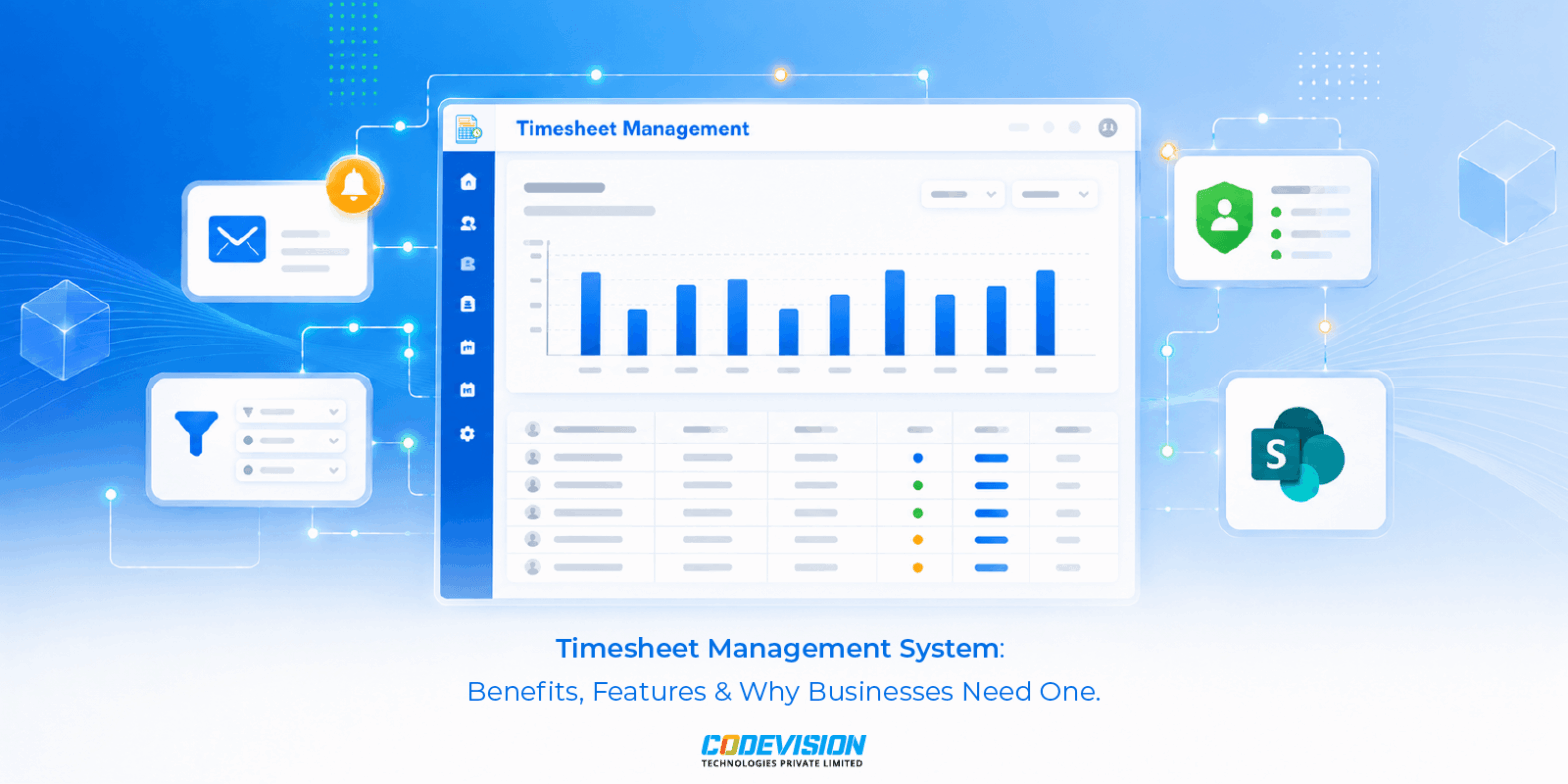
A Timesheet Management System is software that enables employees to record, submit, and manage the time they spend on projects, tasks, clients, or internal activities while giving managers real-time visibility into workforce productivity.
Unlike traditional spreadsheets, modern timesheet software automates the complete workflow—from time entry and approvals to reporting, payroll preparation, project costing, and resource planning.
Instead of collecting timesheets manually every week, organizations can:
- Record working hours digitally
- Track billable and non-billable time
- Monitor project budgets in real time
- Automate manager approvals
- Generate payroll-ready reports
- Improve compliance and auditing
- Analyze workforce productivity through dashboards
A well-designed Timesheet Management System doesn’t simply record hours—it transforms workforce data into actionable business insights.
Why Businesses Are Moving Away from Manual Timesheets
Many companies still rely on spreadsheets because they’re familiar, inexpensive, and easy to create.
However, what appears to save money often costs significantly more over time.
Manual timesheet processes create hidden inefficiencies that affect every department—from employees and project managers to finance and senior leadership.
Some of the most common challenges include:
- Missing or incomplete timesheets
- Incorrect project allocation
- Delayed payroll processing
- Lost billable hours
- Poor project visibility
- Difficult approval processes
- Manual reporting
- Compliance concerns
- Lack of historical audit trails
As businesses grow, these problems become increasingly difficult to manage.
The Hidden Cost of Manual Timesheet Management
Many organizations only calculate the visible cost of timesheet administration—the hours spent filling out forms or reviewing spreadsheets.
The real cost goes much deeper.
1. Billable Hours Are Lost Every Week
Consulting firms, software companies, engineering businesses, and professional service organizations rely heavily on accurate billable hour tracking.
Unfortunately, manual systems often encourage vague entries like:
- Internal work
- Meetings
- Miscellaneous
- Administration
- Project Support
Without proper categorization, finance teams cannot accurately invoice clients.
Even losing a few billable hours each week across multiple employees can result in substantial revenue leakage over the course of a year.
2. Projects Go Over Budget Before Anyone Notices
Imagine budgeting a client implementation for 500 hours.
Three weeks later, the project has already consumed 420 hours—but no one realizes it because timesheets are reviewed only at month-end.
By the time management identifies the issue:
- Additional work has already been completed
- Resources have been overallocated
- Client expectations have increased
- Profit margins have declined
Modern timesheet software provides live project tracking, enabling managers to identify budget overruns before they become financial problems.
3. Payroll Delays Become Routine
Payroll depends on accurate data.
When employees submit late timesheets, managers approve them through long email chains, or finance teams manually validate every entry, payroll processing becomes slower and more error-prone.
Common issues include:
- Duplicate entries
- Incorrect overtime calculations
- Missing work hours
- Manual corrections
- Delayed salary processing
Automated workflows eliminate these bottlenecks while improving employee confidence in payroll accuracy.
4. Managers Lack Real-Time Visibility
Without centralized reporting, managers often make decisions using outdated information.
Questions such as:
- Which employees are overloaded?
- Which projects are consuming the most hours?
- Who has available capacity?
- Which clients generate the highest profitability?
become difficult to answer quickly.
Real-time dashboards provide immediate visibility into project performance, helping organizations allocate resources more effectively.
5. Compliance and Audit Risks Increase
Many industries require detailed records of employee working hours, approvals, and project activities.
Spreadsheet-based systems rarely provide:
- Approval history
- Change logs
- Version control
- Secure access
- Audit trails
A centralized Timesheet Management System maintains accurate records while supporting governance and compliance requirements.
Choosing between spreadsheets and a dedicated Timesheet Management System isn’t just about convenience—it’s about operational efficiency, accuracy, and scalability.
Manual Spreadsheets vs. Automated Timesheet Management System
| Feature | Manual Spreadsheets | Automated Timesheet Management System |
|---|---|---|
| Time Entry | Manual | Digital with validation |
| Project Tracking | Limited | Real-time visibility |
| Approval Workflow | Email-based | Automated |
| Billable Hour Tracking | Manual | Automatic |
| Payroll Preparation | Manual | Export-ready |
| Reporting | Spreadsheet formulas | Interactive dashboards |
| Audit Trail | Limited | Complete history |
| Security | Basic | Role-based permissions |
| Resource Planning | Difficult | Live utilization insights |
| Scalability | Poor | Enterprise-ready |
As organizations grow, manual systems become increasingly difficult to maintain, while automated solutions scale alongside business operations.
8 Signs Your Business Has Outgrown Excel Timesheets
If your organization experiences any of the following challenges, it may be time to implement a dedicated Timesheet Management System.
- Employees frequently submit timesheets late.
- Finance spends several days each month reconciling data.
- Project managers cannot monitor budgets in real time.
- Billable hours are often missed or incorrectly categorized.
- Payroll processing depends on manual verification.
- Employees maintain multiple versions of the same spreadsheet.
- Managers struggle to understand employee workload and capacity.
- Leadership lacks accurate productivity reports for strategic decision-making.
Each of these issues may seem manageable individually, but together they create operational friction, reduce profitability, and slow business growth.
Why Time Tracking Is Becoming a Strategic Business Function
Today’s organizations are expected to do more with fewer resources.
Leadership teams need instant access to reliable operational data—not weeks after work has been completed.
Modern time tracking supports strategic decisions by helping organizations:
- Improve employee productivity
- Forecast resource requirements
- Reduce project overruns
- Increase billable utilization
- Improve client profitability
- Support workforce planning
- Strengthen compliance
- Enable data-driven decision-making
Rather than being viewed as an administrative responsibility, time tracking has evolved into a critical source of business intelligence.
In the next section, we’ll explore the measurable business benefits of implementing an automated Timesheet Management System, why SharePoint is an ideal platform for enterprise time tracking, and how the CV Timesheet Management System helps organizations streamline operations, improve reporting, and recover valuable billable hours.
Benefits of an Automated Timesheet Management System
Implementing an automated Timesheet Management System isn’t just about replacing spreadsheets—it’s about improving productivity, financial accuracy, operational efficiency, and decision-making across your organization.
Businesses that automate time tracking often see improvements in project profitability, resource utilization, employee accountability, and reporting accuracy.
Let’s explore the biggest business benefits.
1. Accurate Billable & Non-Billable Hour Tracking
One of the biggest challenges businesses face is accurately distinguishing between billable and non-billable work.
Without proper categorization, valuable client hours can easily be logged as internal activities, resulting in missed invoices and reduced profitability.
A modern Timesheet Management System allows employees to assign every time entry to:
- Client
- Project
- Task
- Department
- Cost Center
- Billable or Non-Billable Category
This ensures finance teams always know which hours can be invoiced and which represent internal operational costs.
Business Benefits
- Recover lost revenue
- Improve client invoicing accuracy
- Better profitability reporting
- Clear project costing
2. Real-Time Project Visibility
Waiting until the end of the month to review project hours often means discovering problems when it’s already too late.
Modern dashboards provide project managers with instant insights such as:
- Budget vs Actual Hours
- Project Completion Progress
- Team Utilization
- Remaining Budget
- Resource Allocation
Instead of reacting to problems after they occur, managers can make proactive decisions while projects are still in progress.
3. Faster Payroll Processing
Payroll teams often spend days validating employee timesheets before salaries can be processed.
Automation eliminates repetitive manual work by:
- Validating time entries
- Removing duplicate records
- Flagging missing submissions
- Routing approvals automatically
- Generating payroll-ready reports
This significantly reduces payroll processing time while improving employee trust and satisfaction.
4. Improved Employee Productivity
Employees should spend their time creating value—not filling out spreadsheets.
A centralized system enables users to:
- Log time quickly
- Copy recurring tasks
- Submit timesheets digitally
- Track approval status
- Receive automated reminders
Less administrative effort means more productive work.
5. Better Resource Planning
Managers need to understand who is available, overloaded, or underutilized.
A Timesheet Management System helps identify:
- Resource availability
- Employee workload
- Team utilization
- Future capacity
- Skills allocation
This enables organizations to distribute work more effectively and prevent employee burnout.
6. Better Decision-Making Through Analytics
Modern organizations rely on data.
Interactive dashboards provide insights into:
- Employee productivity
- Project profitability
- Department performance
- Client profitability
- Utilization trends
- Budget consumption
- Timesheet completion rates
Instead of relying on assumptions, leadership teams can make informed business decisions backed by real operational data.
Why Choose a SharePoint-Based Timesheet Management System?
Many businesses purchase standalone SaaS products for time tracking.
While these solutions provide functionality, they often introduce new challenges:
- Additional subscriptions
- Separate user accounts
- Disconnected data
- Multiple vendors
- Security concerns
- Integration costs
A SharePoint-based solution eliminates these issues by working directly within your existing Microsoft 365 ecosystem.
Seamless Microsoft 365 Integration
CV Timesheet Management System integrates naturally with:
- Microsoft SharePoint
- Microsoft Teams
- Outlook
- Azure Active Directory
- Power Automate
- Power BI
Employees continue working in the tools they already use every day.
No additional logins.
No duplicate databases.
No complicated integrations.
Enterprise-Level Security
Unlike many standalone platforms, SharePoint provides enterprise-grade security features including:
- Role-Based Access Control
- Microsoft Authentication
- Multi-Factor Authentication
- Data Encryption
- Audit Logs
- Version History
- Compliance Policies
Your organization’s timesheet data remains securely stored within your Microsoft 365 tenant.
Introducing CV Timesheet Management System
The CV Timesheet Management System (CV TMS) is a comprehensive SharePoint-based solution developed by Codevision Technologies to simplify employee time tracking, automate approvals, and improve operational visibility.
Designed specifically for organizations already using Microsoft 365, CV TMS enables businesses to replace manual spreadsheets with a centralized, intelligent, and scalable time management platform.
Whether you’re managing a team of 20 employees or 2,000, CV TMS helps you streamline timesheet processes while improving productivity and reducing administrative overhead.
Key Features of CV Timesheet Management System
Smart Timesheet Entry
Employees can log their daily or weekly work in just a few clicks.
Time entries can be assigned to:
- Projects
- Tasks
- Clients
- Departments
- Cost Centers
The intuitive interface reduces errors while encouraging timely submissions.
Billable & Non-Billable Time Tracking
Every time entry can be categorized based on business requirements.
Finance teams immediately know:
- Client billable hours
- Internal administrative work
- Training time
- Leave hours
- Overtime
This improves reporting and invoicing accuracy.
Automated Approval Workflow
Forget endless email chains.
CV TMS automatically routes submitted timesheets to the appropriate manager based on predefined workflows.
Approvers can:
- Review
- Approve
- Reject
- Request changes
Employees receive instant notifications, ensuring complete transparency throughout the approval process.
Interactive Dashboards & Reports
Managers gain access to real-time dashboards displaying:
- Employee productivity
- Project status
- Utilization rates
- Budget consumption
- Approval status
- Missing timesheets
- Department performance
Reports can be exported and then integrated with Microsoft Power BI for advanced analytics.
Automated Email Reminders
Late timesheets often delay payroll and reporting.
CV TMS automatically reminds employees to submit pending entries before deadlines.
Managers can also receive alerts for overdue approvals, ensuring the process keeps moving without constant follow-up.
Multi-Level Role-Based Permissions
Different users require different levels of access.
CV TMS supports role-based permissions for:
- Employees
- Team Leaders
- Project Managers
- Department Heads
- Finance Teams
- HR
- System Administrators
Everyone sees only the information relevant to their responsibilities.
Mobile-Friendly Experience
Employees can submit timesheets from:
- Office
- Home
- Client Site
- Mobile Device
This flexibility supports hybrid and remote work environments without compromising accuracy.
Which Industries Benefit Most from CV Timesheet Management System?
Although every organization tracks employee time differently, some industries benefit even more from automated timesheet management.
- IT & Software Development: Track development hours, sprint activities, client projects, bug fixes, and support tickets with complete visibility into billable utilization.
- Consulting Firms: Capture every billable hour, improve client invoicing, and gain better visibility into consultant productivity.
- Construction & Engineering: Track labor hours by project, monitor site activities, allocate resources efficiently, and compare actual hours against project estimates.
- Manufacturing: Monitor workforce productivity across production lines, maintenance activities, quality inspections, and operational shifts.
- Healthcare: Track staff working hours, departmental allocation, overtime, compliance reporting, and resource planning.
- Professional Services: Law firms, accounting firms, marketing agencies, and design studios can accurately monitor client work, recover billable hours, and improve profitability through structured time tracking.
- Real Business Impact: A Practical Example: Imagine a 60-person IT consulting company managing multiple client projects simultaneously.
Before implementing CV TMS, the organization relied on spreadsheets and email approvals.
Challenges
- Employees submitted timesheets late.
- Managers lacked project visibility.
- Finance manually reconciled payroll data.
- Billable hours were frequently missed.
- Monthly reporting took several days.
After Implementing CV TMS
Within weeks, the organization experienced measurable improvements:
- Automated approval workflows reduced administrative effort.
- Project managers gained real-time visibility into budgets and resource allocation.
- Finance significantly reduced payroll preparation time.
- Billable hours were captured more accurately, improving invoice quality.
- Leadership gained access to live dashboards for better decision-making.
Instead of spending valuable time managing spreadsheets, teams focused on delivering successful projects and improving client satisfaction.
Why Businesses Choose Codevision Technologies
Choosing the right technology partner is just as important as selecting the right software.
At Codevision Technologies, we specialize in building Microsoft-based business solutions that simplify operations, automate workflows, and improve productivity.
Our expertise includes:
- Microsoft SharePoint Development
- Microsoft 365 Solutions
- Power Platform Development
- Power Automate
- Power BI
- Custom Business Applications
- Workflow Automation
- Enterprise Portal Development
With years of experience delivering tailored digital transformation solutions, we understand that every business has unique operational requirements. That’s why CV Timesheet Management System is flexible, scalable, and customizable to match your organization’s workflow—not the other way around.
Whether you’re a growing business or a large enterprise, our team works closely with you to configure the solution around your approval processes, reporting requirements, and operational goals.
Frequently Asked Questions
Timesheet Management System is a software solution that helps businesses track employee working hours, manage projects, record billable and non-billable time, automate approvals, and generate accurate reports. It replaces manual spreadsheets with a centralized and efficient time-tracking process.
While Excel spreadsheets are suitable for basic tracking, they become difficult to manage as teams grow. A Timesheet Management System automates time entry, approval workflows, reporting, and payroll preparation, reducing manual errors and improving productivity
CV Timesheet Management System helps organizations automate timesheet submissions, track billable and non-billable hours, monitor project progress in real time, simplify payroll processing, improve reporting accuracy, and enhance team productivity—all within Microsoft SharePoint.
Yes. Employees can easily categorize their time as billable or non-billable while logging hours. This enables finance teams to prepare accurate invoices, monitor project profitability, and gain better visibility into operational costs.
Yes. CV Timesheet Management System is built on Microsoft SharePoint and integrates seamlessly with Microsoft 365 applications, including Microsoft Teams, Outlook, Power Automate, and Power BI, providing a secure and connected workplace experience.
Organizations across industries such as IT & Software Development, Consulting, Construction, Engineering, Manufacturing, Healthcare, and Professional Services can benefit from automated time tracking, improved project management, and better workforce visibility.
Yes. Since the solution is built on Microsoft SharePoint, your data remains within your Microsoft 365 environment. It includes role-based access control, audit trails, version history, and enterprise-grade security to protect sensitive business information.
Getting started is simple. Schedule a personalized demo with the Codevision Technologies team to explore how CV Timesheet Management System can streamline time tracking, automate approvals, improve project visibility, and help your organization operate more efficiently.

Recent Posts
Gujarat Tech Expo 2026: A CXO Playbook to Turn 3 Days of Demos into a Measurable IT Roadmap
PHP2Shell Vulnerabilities: What Businesses Need to Know and How to Protect Their Systems
What Is a Microsoft Frontier Firm? 7 Characteristics of AI-First Organizations
Digital Transformation vs. Frontier Transformation: What’s the Real Difference?
Let's Talk
Social Links


Related Articles

Tech Event
6 min readGujarat Tech Expo 2026: A CXO Playbook to Turn 3 Days of Demos into a Measurable IT Roadmap
Gujarat Tech Expo 2026: A CXO Playbook to Turn 3 Days of Demos into a Measurable IT Roadmap


WordPress
4 min readPHP2Shell Vulnerabilities: What Businesses Need to Know and How to Protect Their Systems
Read about the critical PHP2Shell vulnerabilities, affected PHP versions, potential risks, and the steps businesses should take to protect their web applications.

Microsoft Frontier
7 min readWhat Is a Microsoft Frontier Firm? 7 Characteristics of AI-First Organizations
AI adoption is no longer just about using tools—it is about building an AI-first operating model. Learn what a Microsoft Frontier Firm is and the 7 defining characteristics that separate industry leaders from the rest.