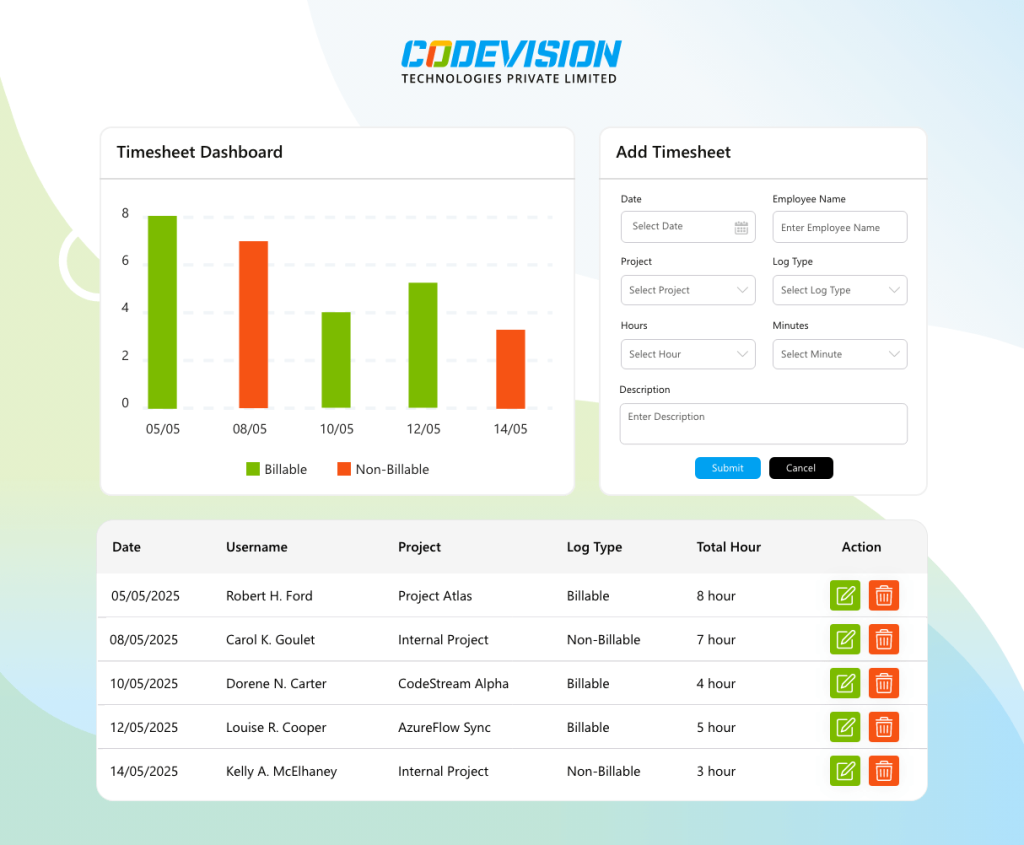
CV Leave Request
 Self-Service Approvals
 Real-Time Balance Tracking
One Flat Tenant License
Secure Leave Management
Real-Time Balance Tracking
One Flat Tenant License
Secure Leave Management

Employee Leave Management System
Handle leave requests, approvals, and balances inside Microsoft 365. CV Leave Request gives HR and managers a self-service portal built natively for SharePoint—no spreadsheets, no third-party apps.



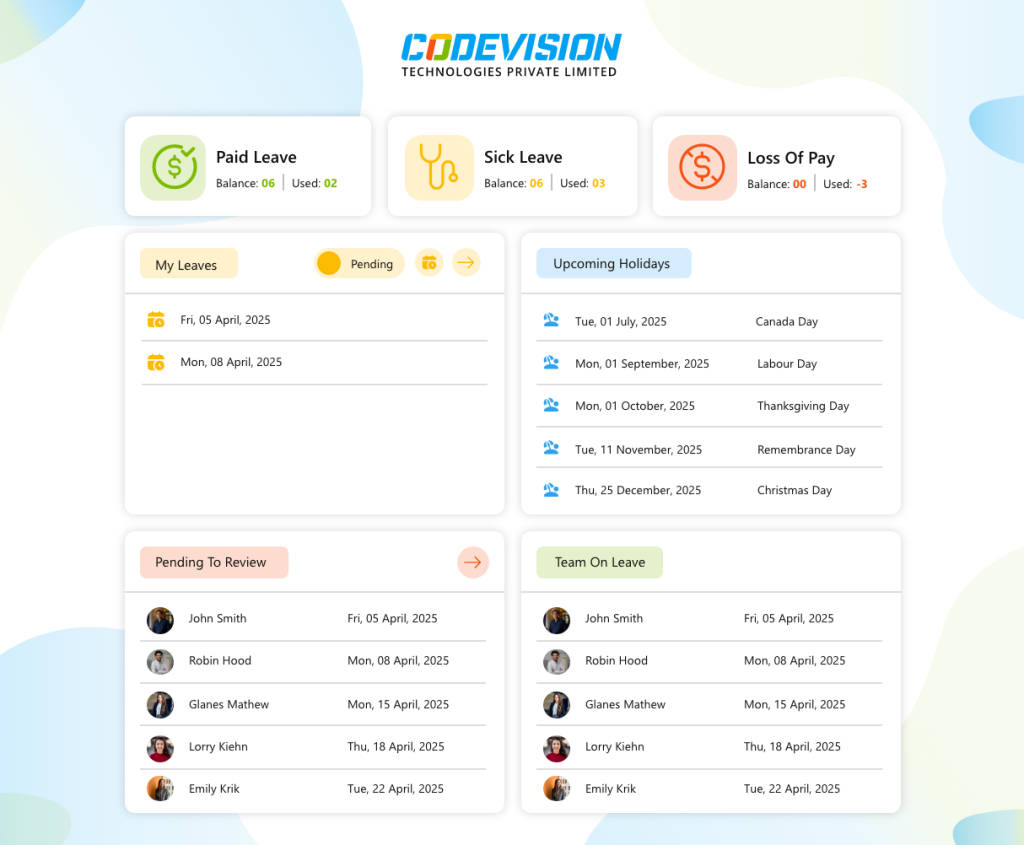
Trusted by Progressive Companies






Key features of CV Leave Request
Track and manage employee leave requests with our SharePoint Application

Seamless Online Requests
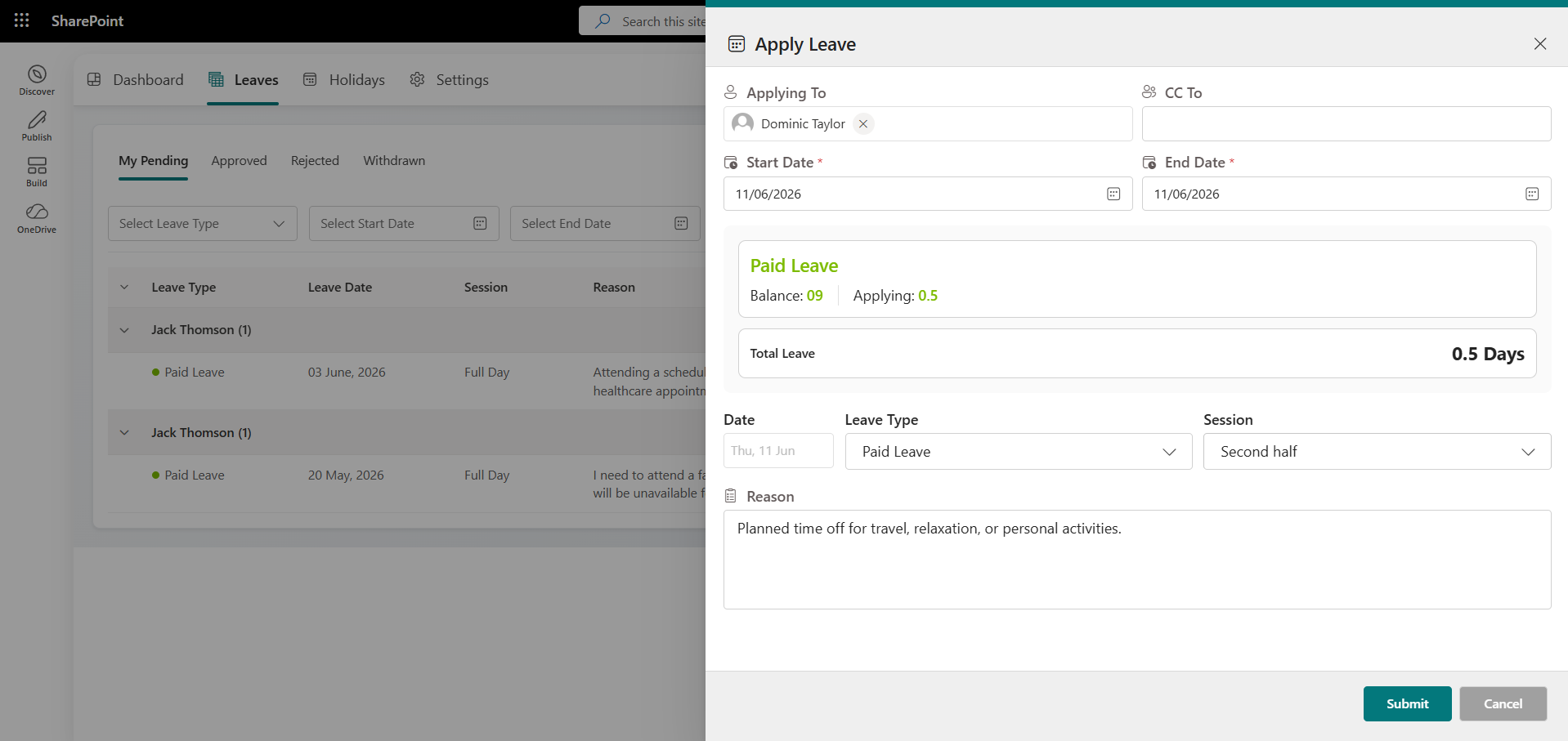
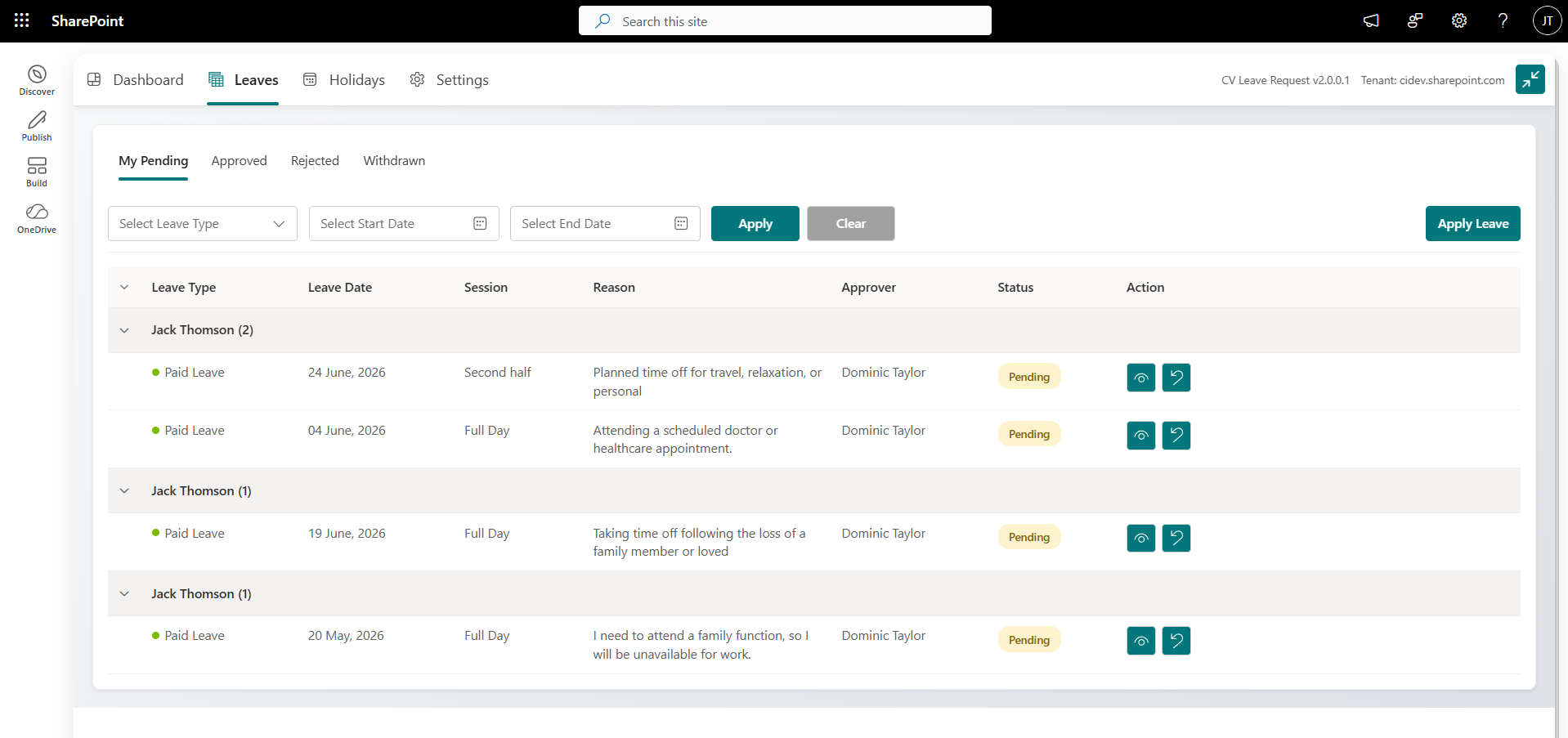
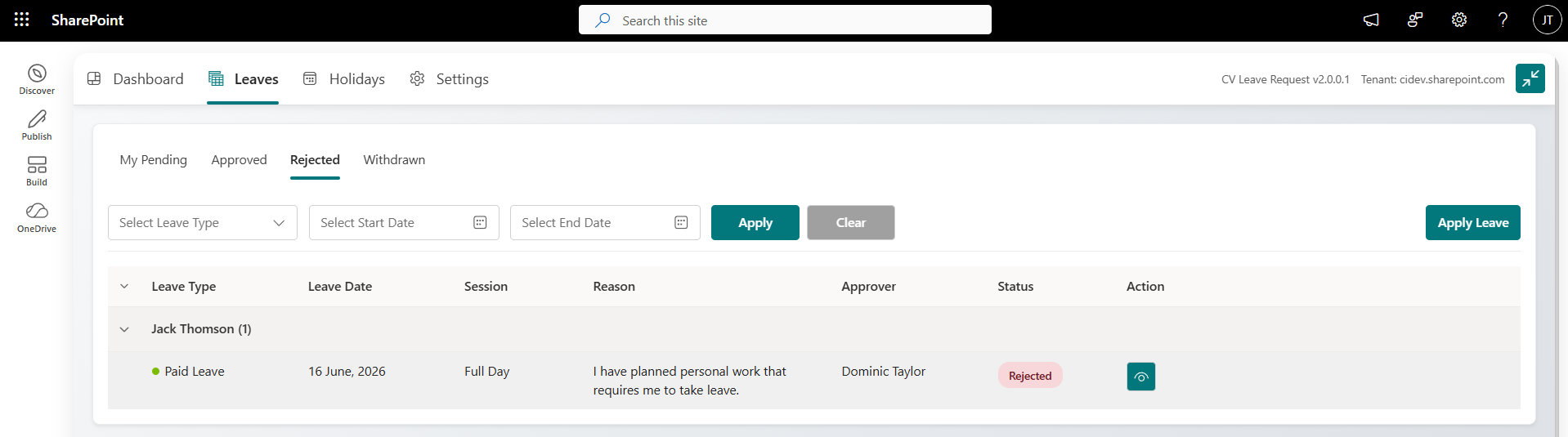
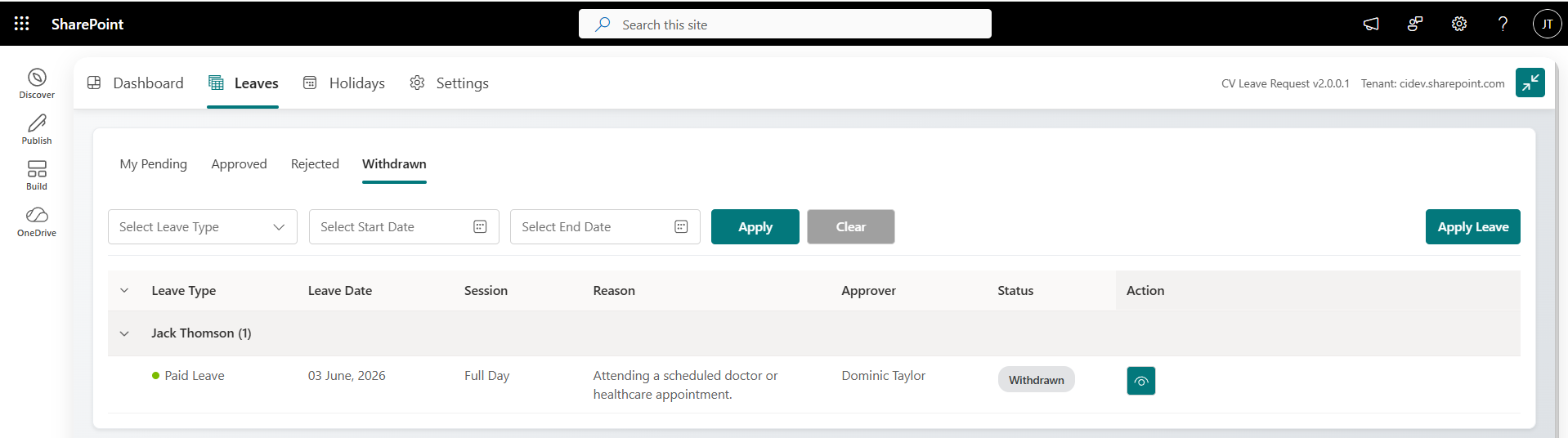
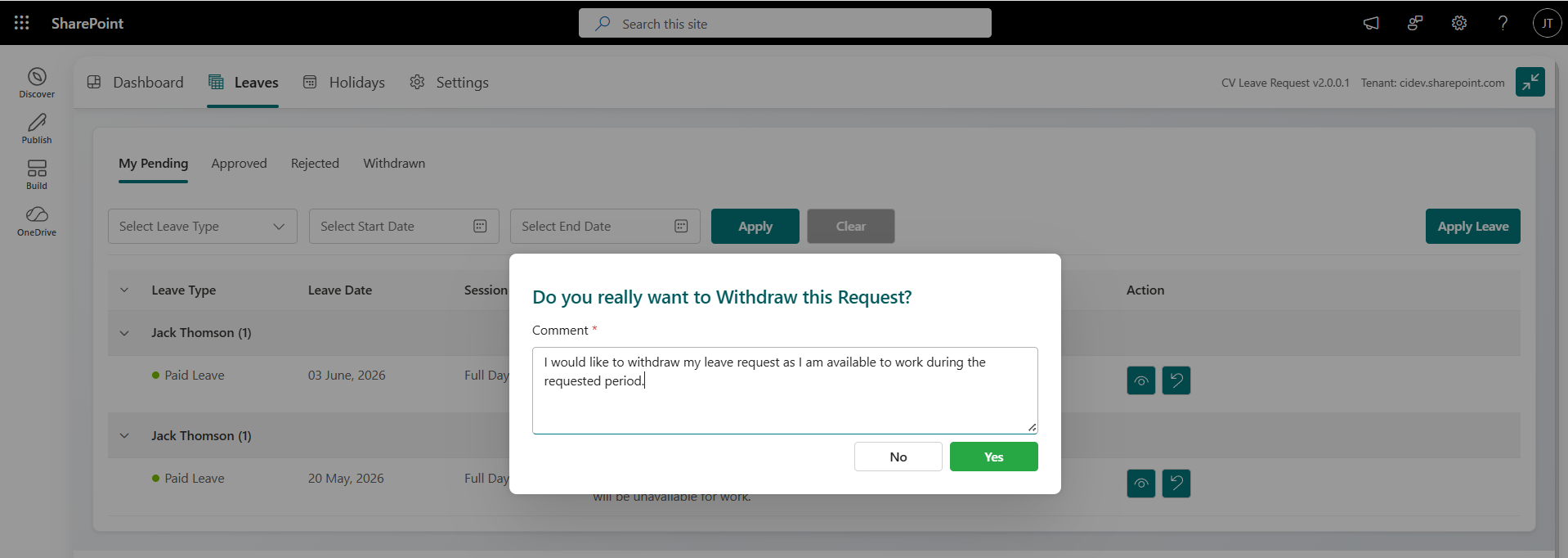
Employees can submit leave requests directly through an intuitive online portal, eliminating the need for manual work and reducing processing time.

Real-Time Leave Balance Tracking
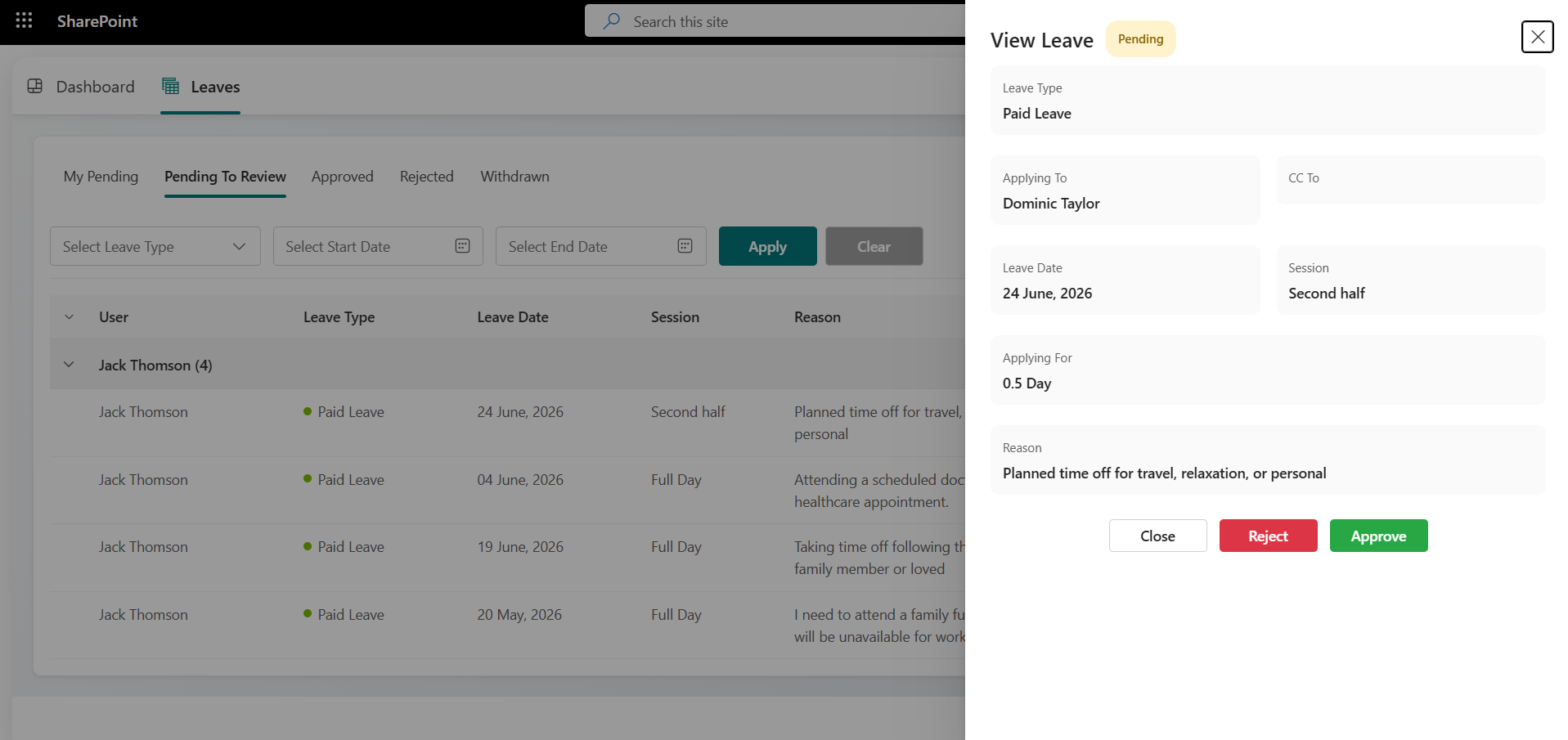
Employees and managers can instantly view up-to-date leave balances, ensuring transparency and helping managers make informed leave approval decisions.

Admin Dashboard
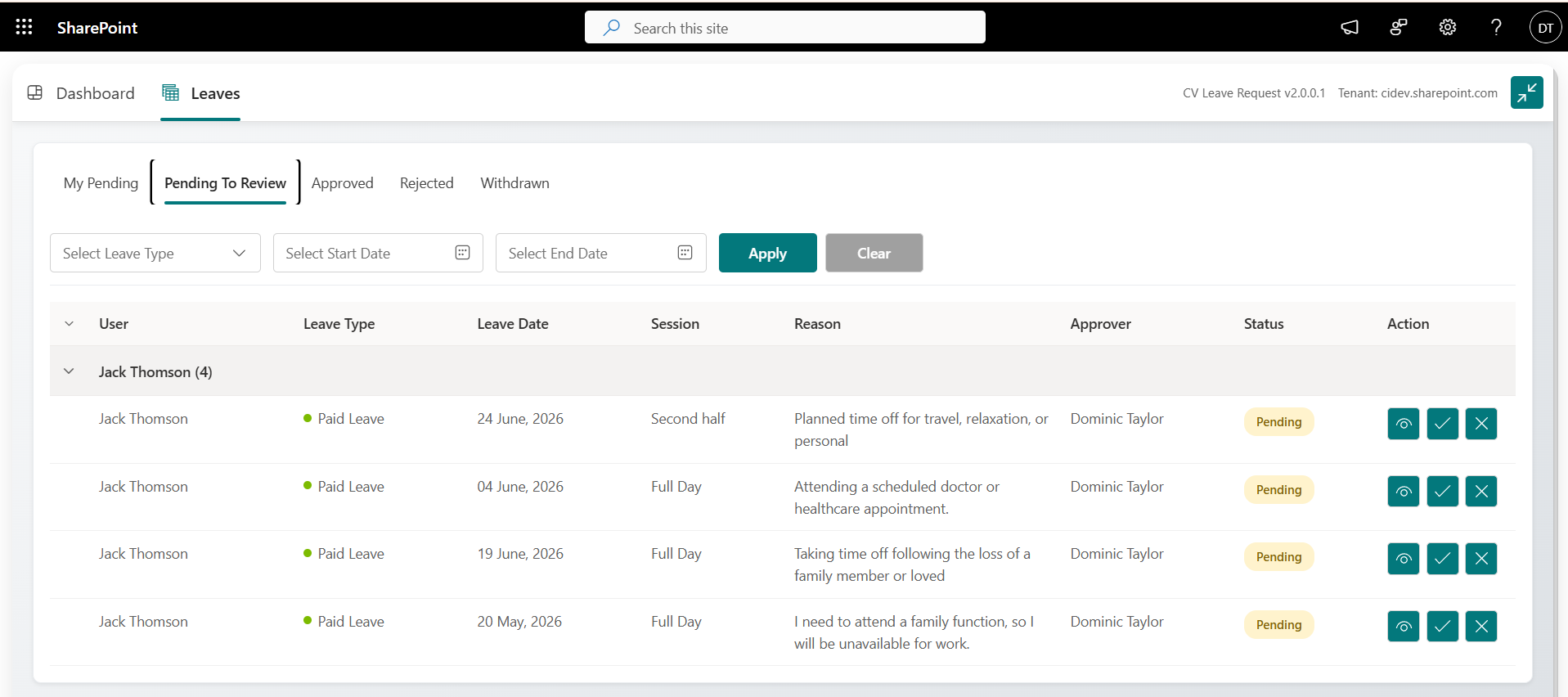
Admin can easily access a comprehensive overview of all leave requests, streamlining the approval and tracking process.

Enhanced Data Security
Our solution offers strong security features and complies with data protection regulations, ensuring the safety of sensitive employee information and secure leave management.

Role-Based Access Control
Ensure that only authorized personnel can access or modify sensitive leave information through role-based permissions, prioritizing data security.

User-Friendly Interface
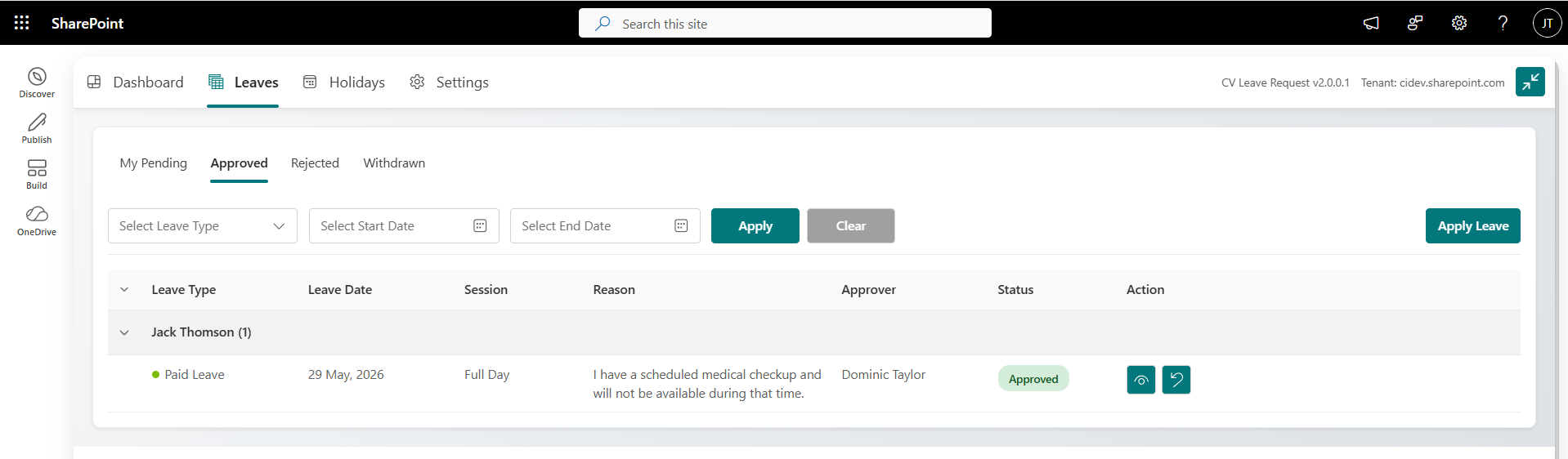
CV Leave Request is built on Microsoft SharePoint, offering a familiar and easy-to-navigate interface that enhances user experience for both employees and managers.

Seamless SharePoint Integration
Built on Microsoft SharePoint, CV Leave Request integrates smoothly with existing SharePoint environments, enhancing collaboration and accessibility within your organization.
Explore CV Leave Request with AI
Ask ChatGPT how CV Leave Request streamlines leave applications, approvals and balances.
Real Results. Real Impact.
Explore All Case StudiesAI-Powered ESOP Calculator Boosts Accuracy & Efficiency with Microsoft Copilot Studio
Read how we leveraged Microsoft Copilot Studio to create an intelligent ESOP calculator that transforms complex equity management into a user-friendly digital experience.
70%
Faster ESOP Calculations
60%
Less Manual Effort
50%
Faster Reporting
40%
Better Data Accuracy

Application Tracking Solution
Client is the world’s most prominent leading provider company and highly efficient transport solutions for the environmental service industry and commercial vehicles. They have more than 20,000+ global customers and a 40% global market share with 12 production areas across China, India, Brazil, and Europe.
85%
Faster Application Processing
100%
Audit Trail Visibility
70%
Reduced Administrative Effort
90%
Process Transparency

Automating KPI Reporting for Fabrication Projects: A Power Platform Success Story
Discover how an Australian fabrication company transformed its KPI reporting with Power Platform. Learn how automated data extraction and real-time dashboards enhanced production visibility, accuracy, and scalability.
3 Hours
KPI Refresh Cycle
3+
Production KPIs
24/7
Dashboard Access
100%
Automated Extraction

Centralizing Construction Management with PowerApps based PMS Solution
Leveraging PowerApps, Power Automate, and Dataverse, we centralized operations, enhanced security, automated workflows, and streamlined collaboration, driving productivity and growth.
50+
Professionals Supported
60%
Less Manual Work
50%
Faster Decisions
5%
Fewer Process Errors

Use Cases: How It Works in the Real World
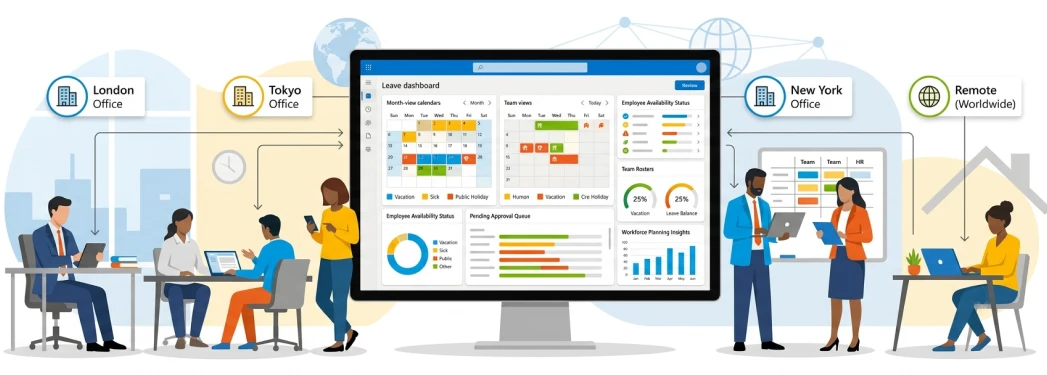
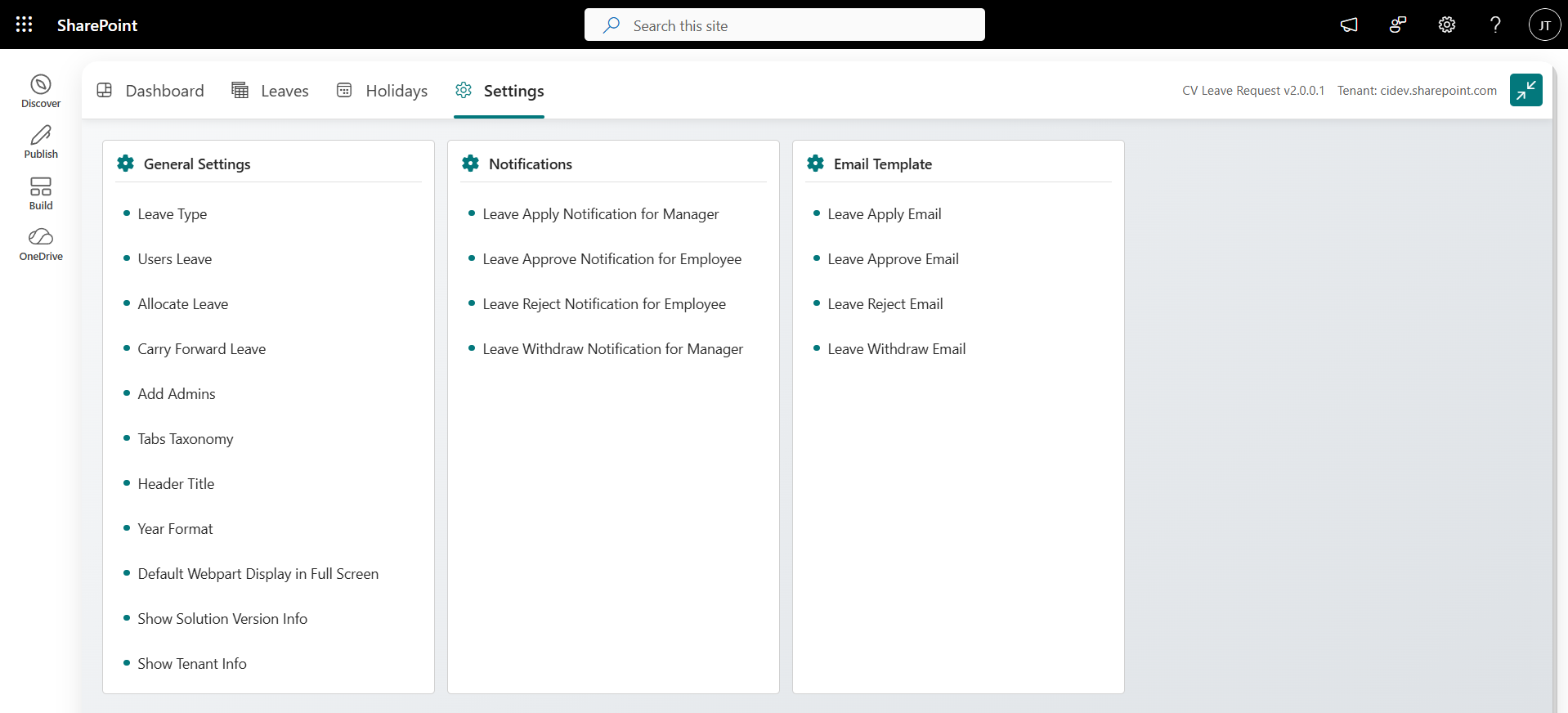
How CV Leave Request Pro Can Help
- Centralize all leave requests, approvals, and records in one easy-to-use system.
- Customize leave types, policies, and approval flows based on regional or team-specific needs.
- Provide real-time visibility of leave balances and upcoming absences across departments and locations.
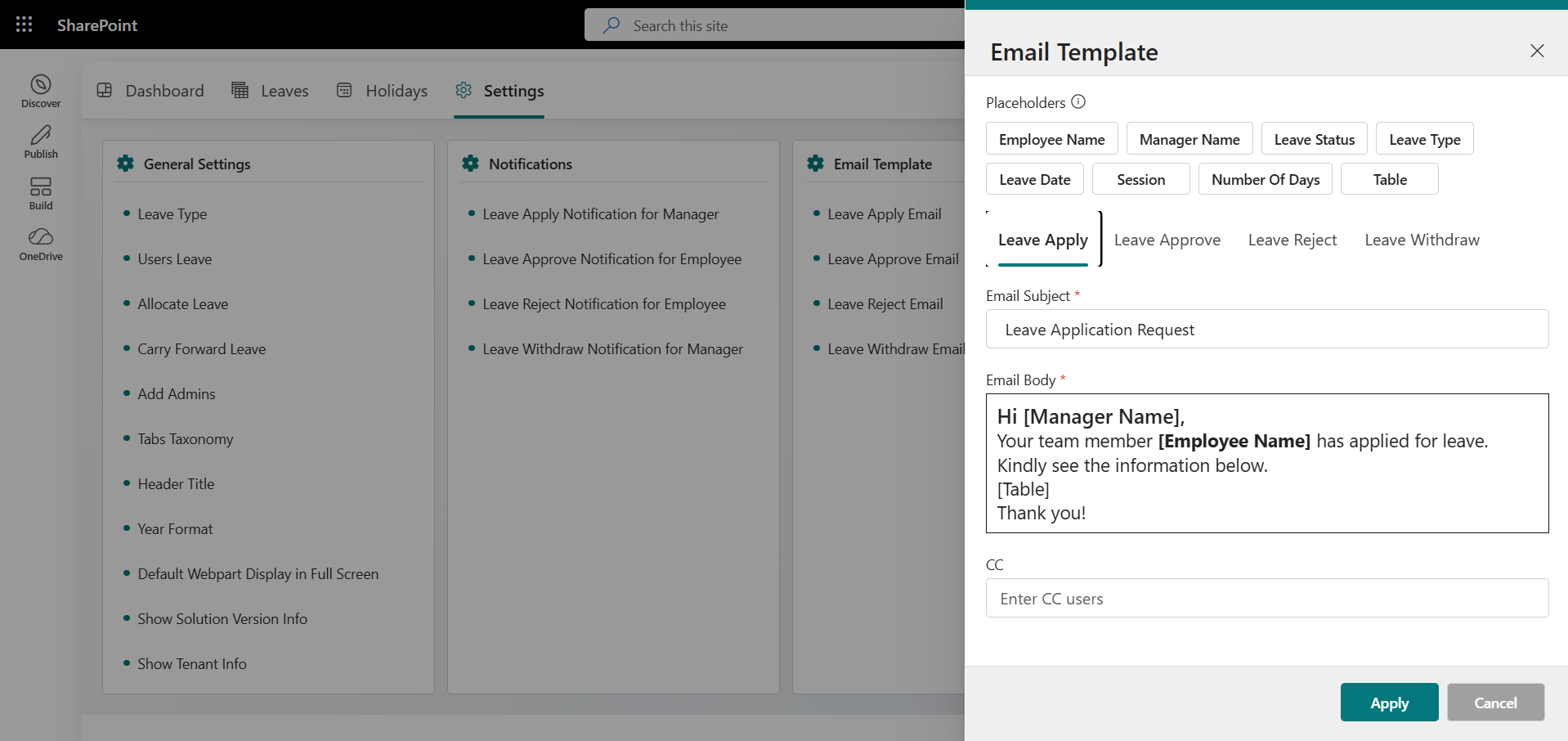
- Reduce HR workload by automating approvals, notifications, and leave balance calculations.
- Improve compliance and audit-readiness with accurate, consolidated records.
- Strengthen team planning and avoid staffing gaps with better visibility into leave schedules.
Centralized Leave Management Across Global Teams
Industry
Multinational Companies (MNCs)

Challenges
Managing leave requests across multiple offices or remote teams can be chaotic. Manual processes and inconsistent policies often lead to confusion, delays, and payroll errors—impacting employee satisfaction and efficiency.
Proposed Solutions
A centralized leave system streamlines requests, standardizes policies, and ensures accurate records—making leave management easier for HR and employees.

How CV Leave Request Pro Can Help
- Centralize all leave requests, approvals, and staff records in a single system tailored for healthcare teams.
- Customize leave types and policies based on job role (e.g., doctors, nurses, administrative staff).
- Enable department heads to view real-time staff availability and upcoming absences to ensure critical shift coverage.
- Strengthen team coordination and emergency planning with visual shift calendars and absence reports.
- Prevent staffing shortages and maintain high-quality patient care through proactive scheduling and leave tracking.
Smart Leave Coordination for Healthcare Staffing
Industry
Healthcare (Hospitals & Clinics)
Challenges
In healthcare, manual leave management can lead to staffing gaps, delayed approvals, and disrupted patient care. Overlapping absences strain on-duty staff and complicate scheduling for HR and managers.
Proposed Solutions
A centralized leave system for healthcare offers real-time staff visibility and role-specific policies. It ensures full coverage, eases admin workload, and supports uninterrupted patient care.
Why Choose CV Leave Request
Codevision Technologies delivers a seamless leave management solution that simplifies requests, approvals, and tracking for your HR teams.

Microsoft Expertise
Expertise Certified Microsoft specialists building leave management solutions natively integrated with SharePoint and Microsoft 365.

HR Process Simplification
Automate leave requests, approvals, and balance tracking to eliminate paperwork and manual HR workflows.

Proven Implementation
Successfully deployed across HR departments with seamless rollout and zero disruption to existing processes.

Product Innovation
Building Marketplace-certified solutions that extend Microsoft 365 with smarter, self-service HR tools.

100
Digital, Paperless Leave Records
90
Improved Employee Self-Service Adoption

88
Faster Leave Approval Turnaround

75
Reduction in HR Administrative Workload

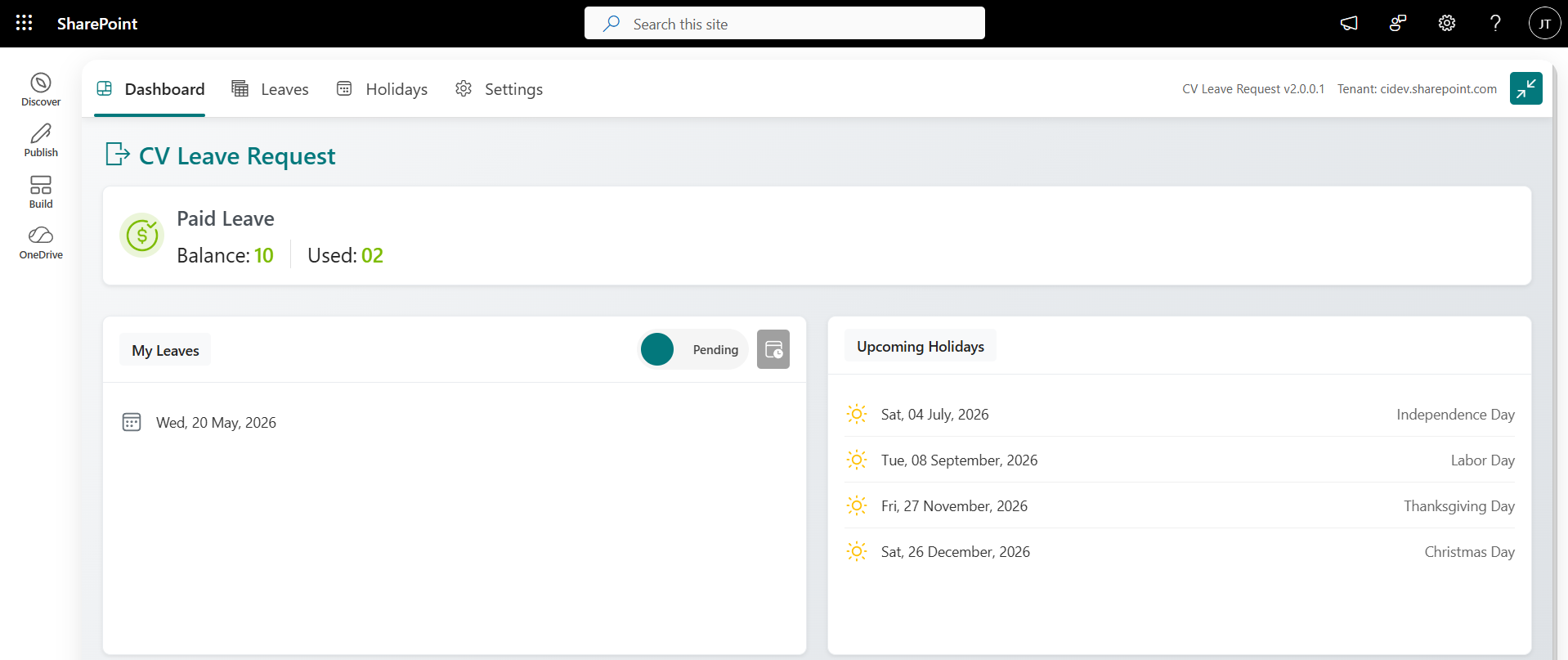
Product Gallery

Resources & Documentations
Everything you need to install, configure, and use the product.


Frequently Asked Questions
CV Leave Request is a leave management application built on Microsoft SharePoint that automates and streamlines the entire leave request process, making it easier for employees to submit requests, track balances, and receive approvals while providing managers with comprehensive tools to handle leave requests efficiently.
CV Leave Request is ideal for organizations of all sizes looking to streamline their leave management process. HR departments, managers, and employees can all benefit from this application, as it simplifies the process of submitting, approving, tracking, and managing leave requests, ultimately saving time and reducing administrative overhead.
To get started, visit Microsoft Marketplace, search for “CV Leave Request” and download the application or else you can click here CV Leave Request. Follow the installation steps as in mentioned in our User Guide, and you’ll be able to configure the app and begin using it to manage leave requests. The setup is straightforward, with options to customize according to your organization’s policies.
Yes, With CV Leave Request you get a 10-day free trial. During this period, you’ll have access to all features, so you can fully experience the application’s functionality before deciding to purchase.
The 10-day free trial provides access to all features of CV Leave Request, including leave request submission, approval workflows, leave tracking, notifications, and detailed reporting. This allows you to explore the complete range of features without restrictions.
Yes, CV Leave Request is designed for organizational use, so multiple users can access it based on the permissions set by the admin. Admins can manage user access levels, ensuring that employees, managers, and HR personnel have the appropriate level of access to submit, review, and manage leave requests efficiently.
For assistance with any of our solutions, please contact our support team at support@thecodevision.com. We’re here to help with any questions or issues you may encounter.
Yes, A single license key will work in multiple site collections with same M365 tenant.
Our commitment is to promptly address support inquiries; while immediate resolution is our goal, we kindly ask users to allow up to 24 – 36 hours for a response. Online meetings must be scheduled in advance and may take a few days to arrange.
Our products are built using the latest technologies compatible with Microsoft 365 and SharePoint Online. We provide regular updates and ongoing technical support to ensure the product remains compatible with future platform updates.
Unfortunately, users without Microsoft 365 licenses will not be able to access the product as it is built specifically for Microsoft 365 and SharePoint Online environments.
To install SharePoint Apps, you need site collection admin permissions or tenant-level admin access, depending on the product requirements.
Users need permission levels based on their roles (admin, contributor, viewer). This can be configured according to your organization’s needs.
The product is installed directly on your SharePoint site, and all data is stored securely within your Microsoft 365 environment.
Our system supports both internal users (with Microsoft 365 accounts) and external users, provided they have proper permissions.
Related Products
CV Classified
Enable secure internal buying and selling with a SharePoint-powered marketplace for your organization.
Read More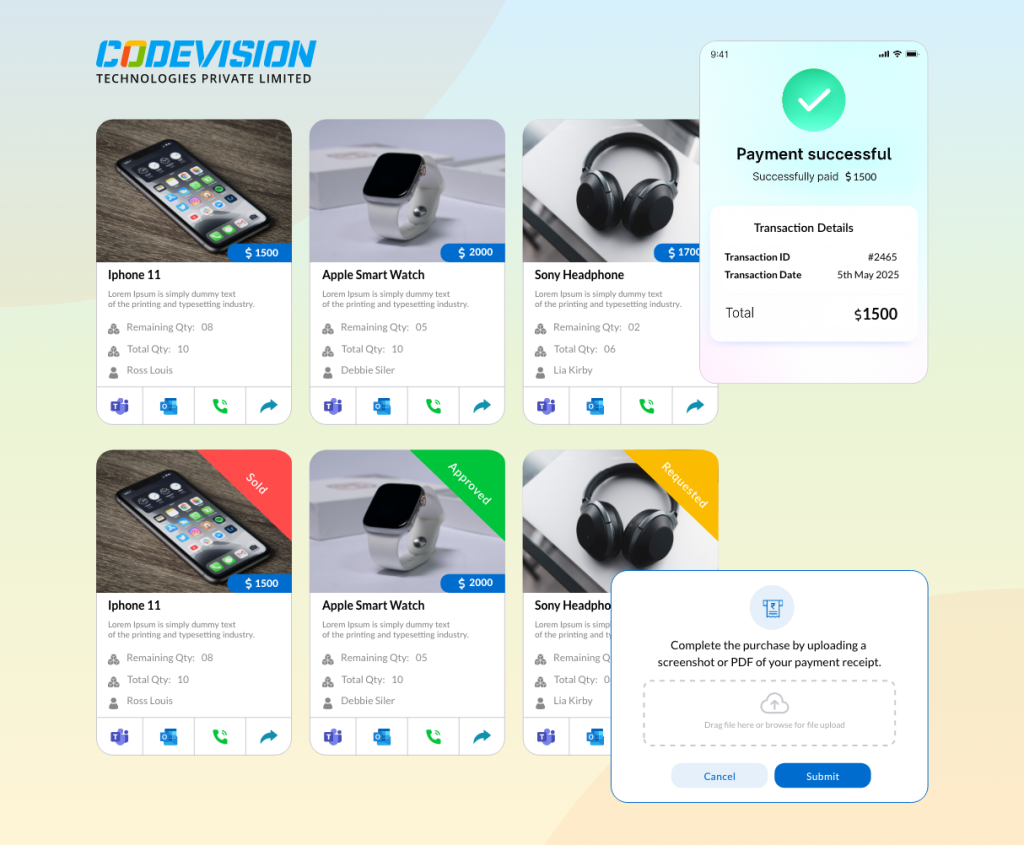
CV Visitor Management
Simplify visitor check-ins, tracking, and security with a smart PowerApps-based visitor management solution.
Read More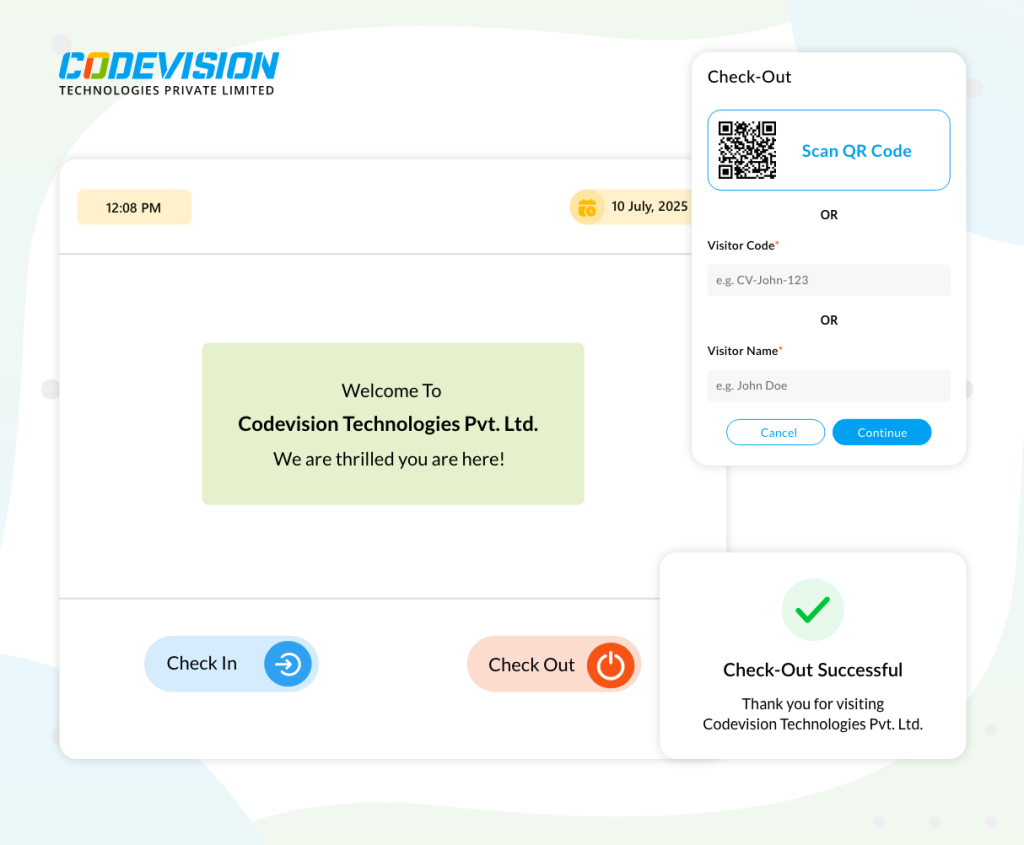
CV Timesheet Management System
Streamline work with smart Timesheet Management System on SharePoint.
Read More