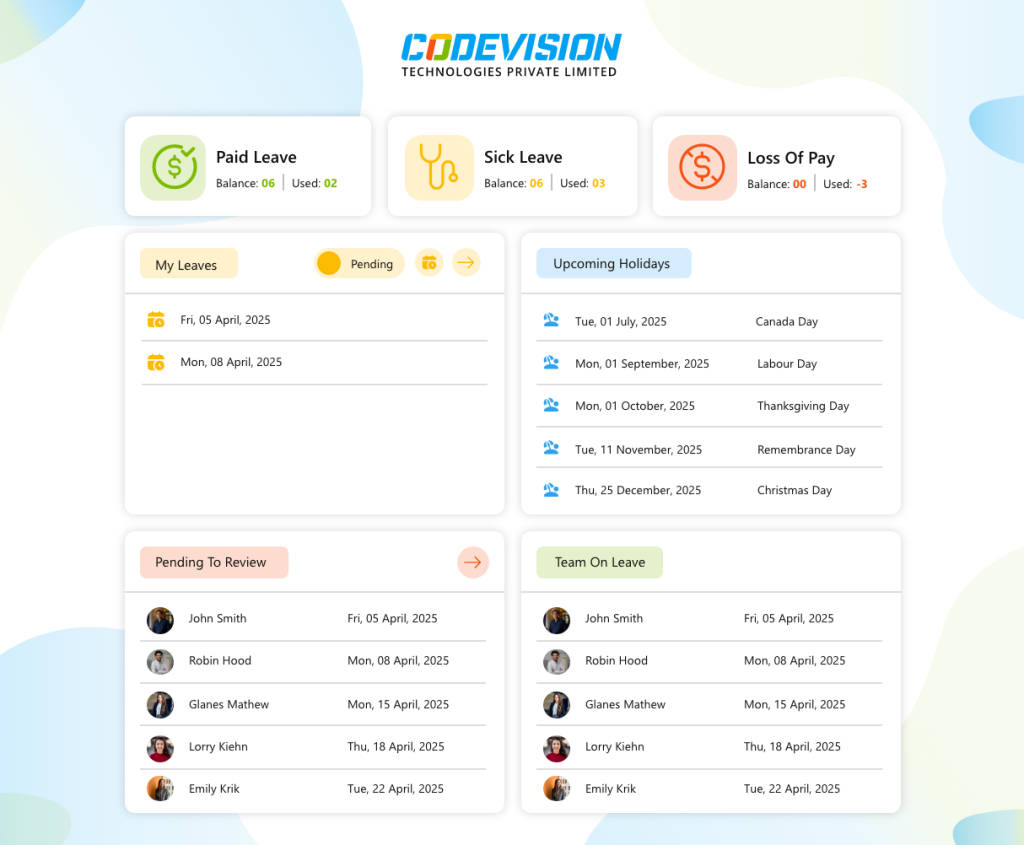
CV Timesheet Management System
 Project-Based Tracking
 Manager Approval Workflows
One Flat Tenant License
Role-Based Access
Manager Approval Workflows
One Flat Tenant License
Role-Based Access

Project Timesheet & Time Tracking Software
Track hours, projects, and approvals inside Microsoft 365. CV Timesheet Management System replaces manual logs with automated timesheets, built natively for SharePoint and your existing workflows.



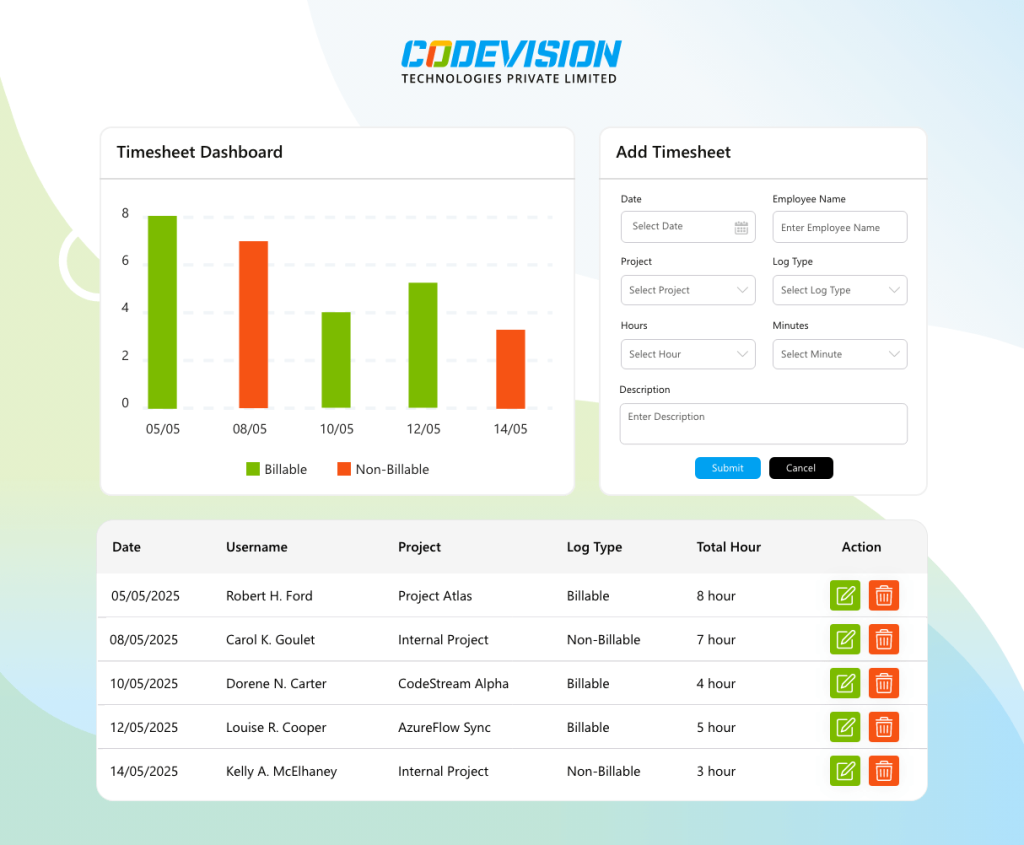
Trusted by Progressive Companies






Key features of CV Timesheet Management System

Project & Task Categories
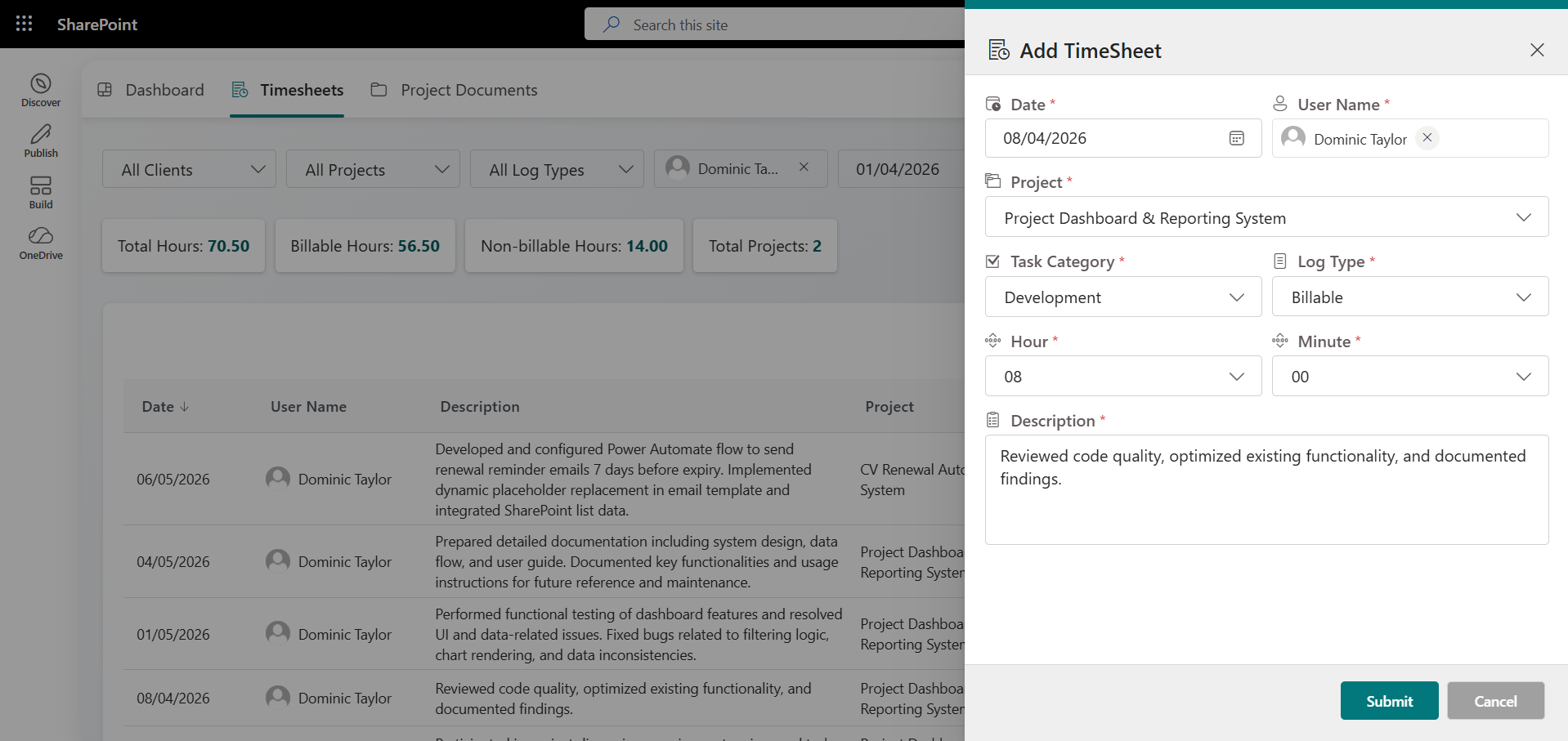
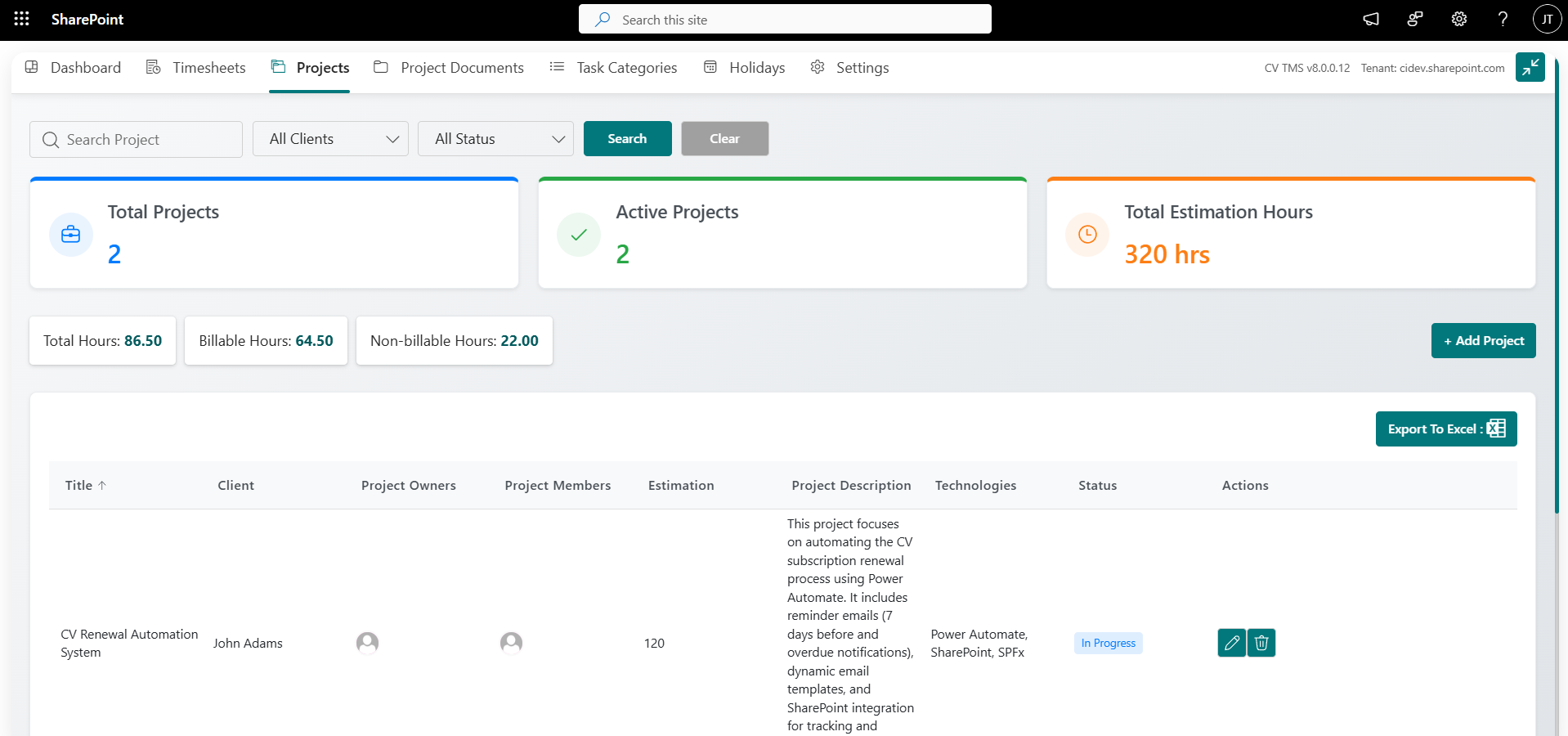
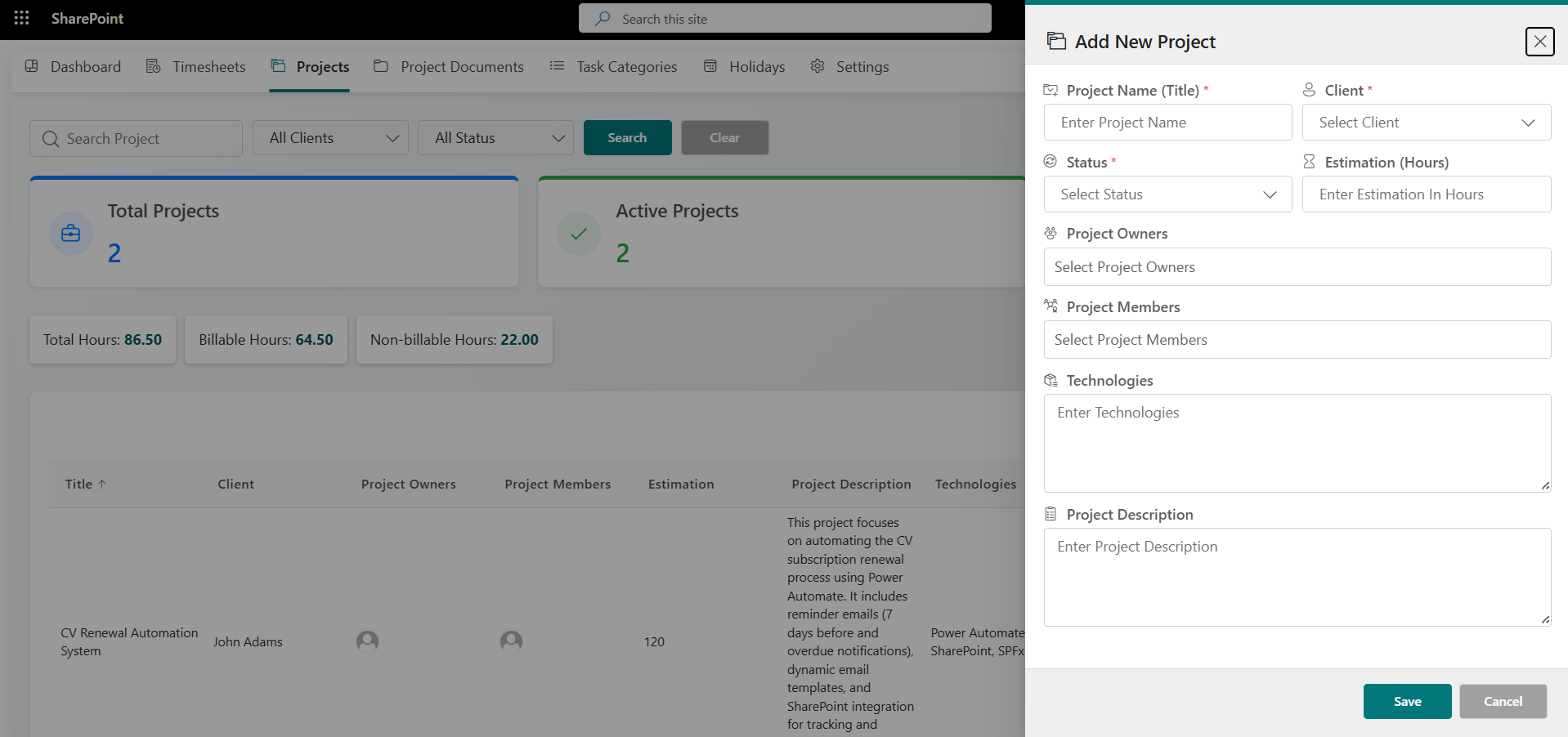
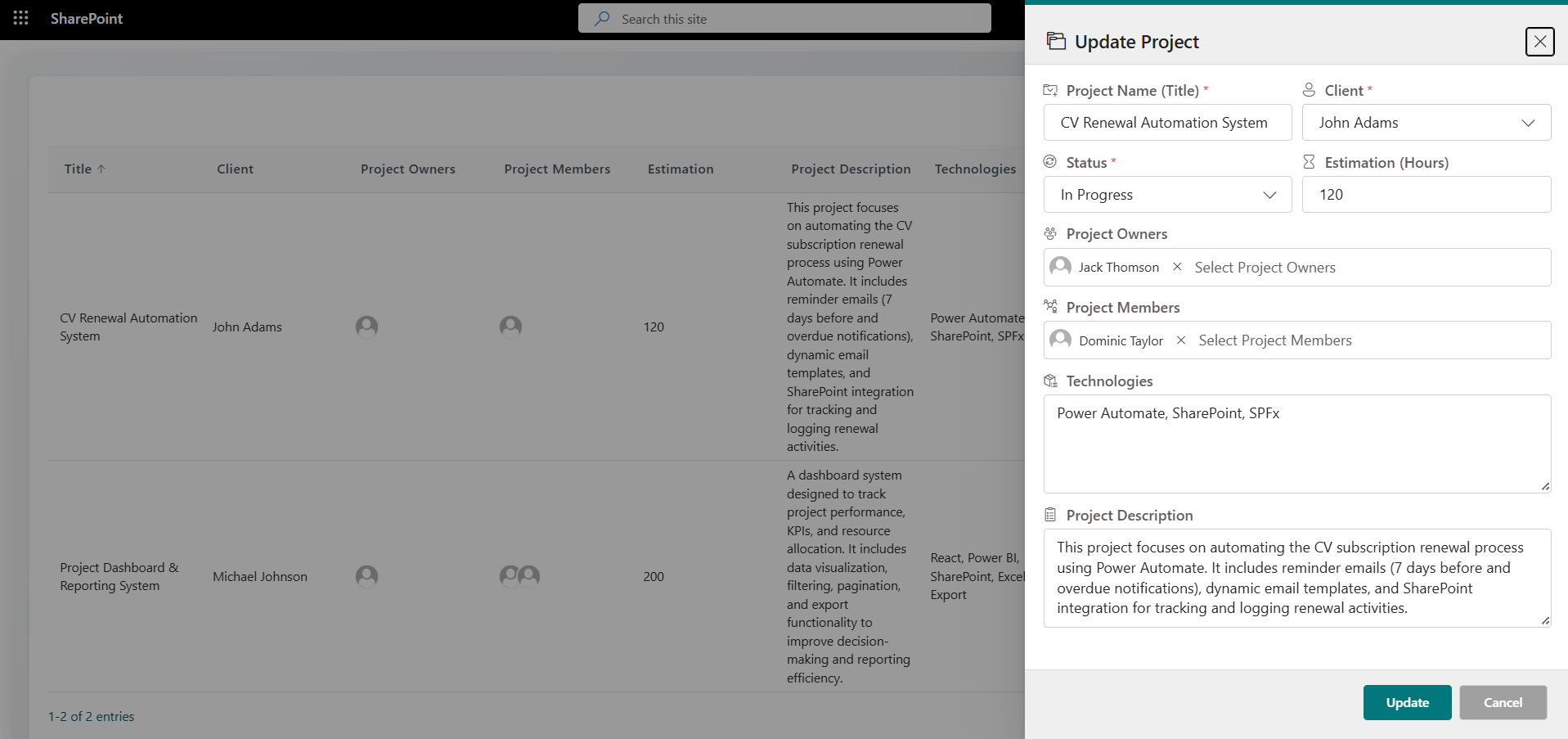
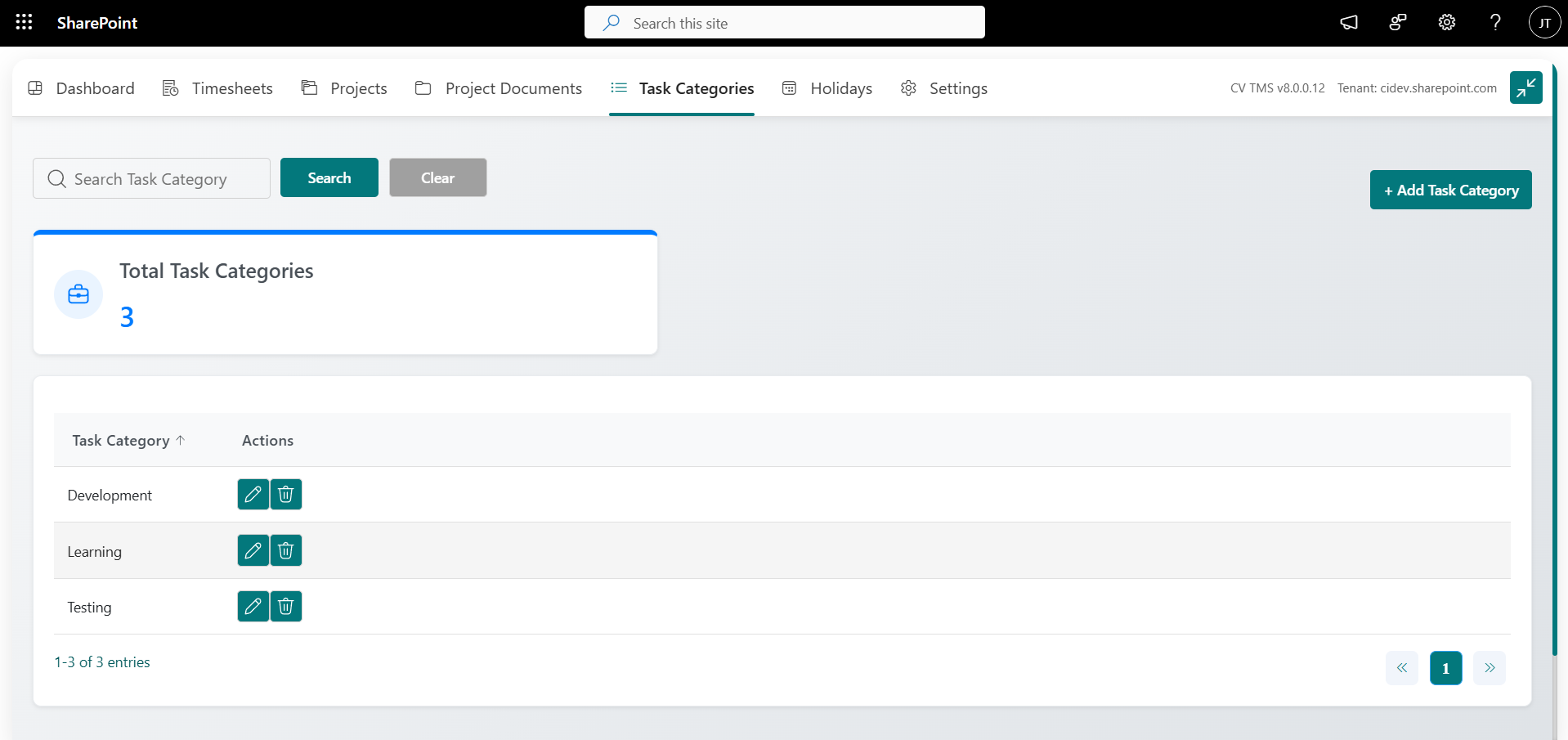
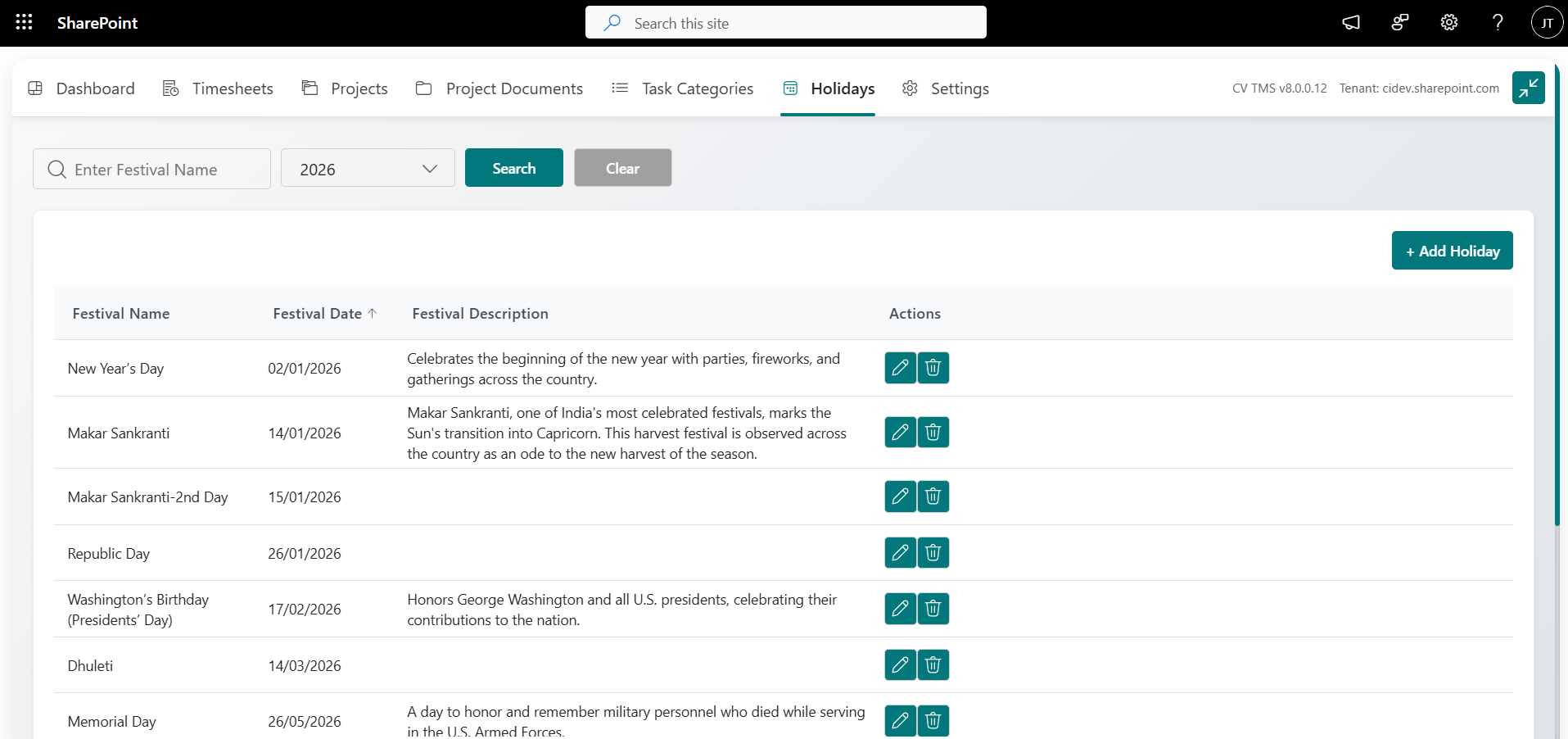
Easily categorize timesheets by projects and tasks, ensuring accurate tracking of work hours across various activities and initiatives. Helps streamline reporting and project management.

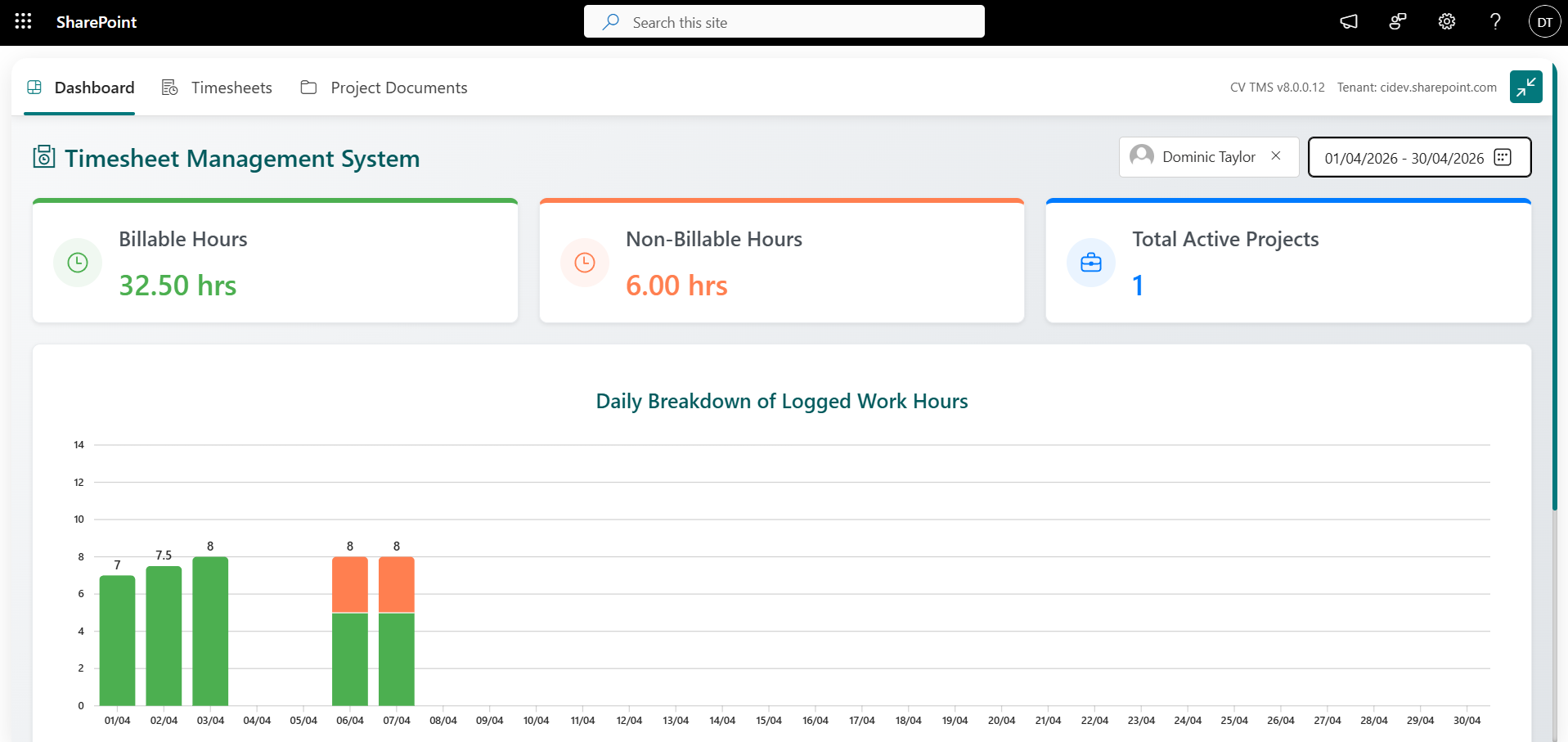
Billable & Non-Billable Tracking
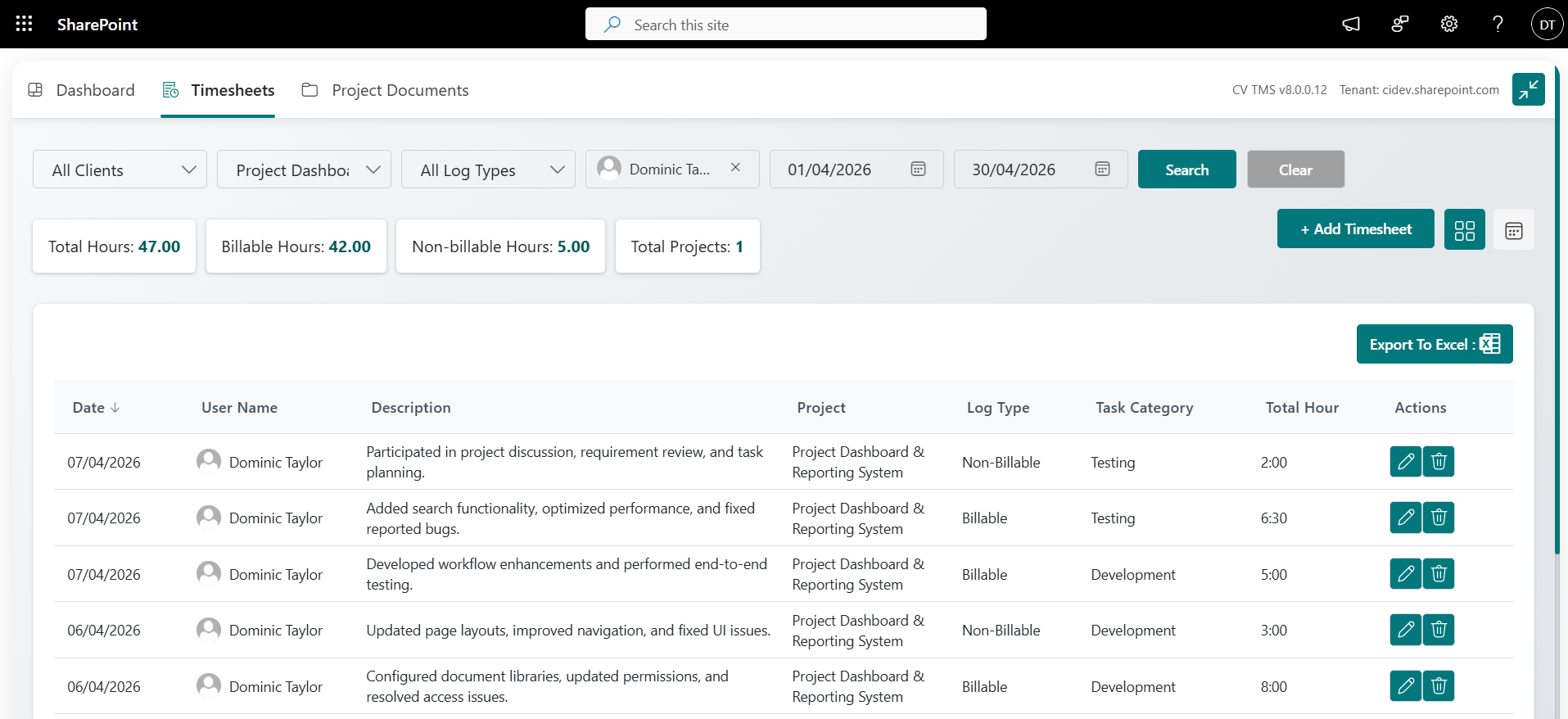
Easily differentiate between billable and non-billable hours. This feature ensures accurate invoicing and helps businesses track productivity while ensuring compliance with client agreements.

Filtering & Sorting
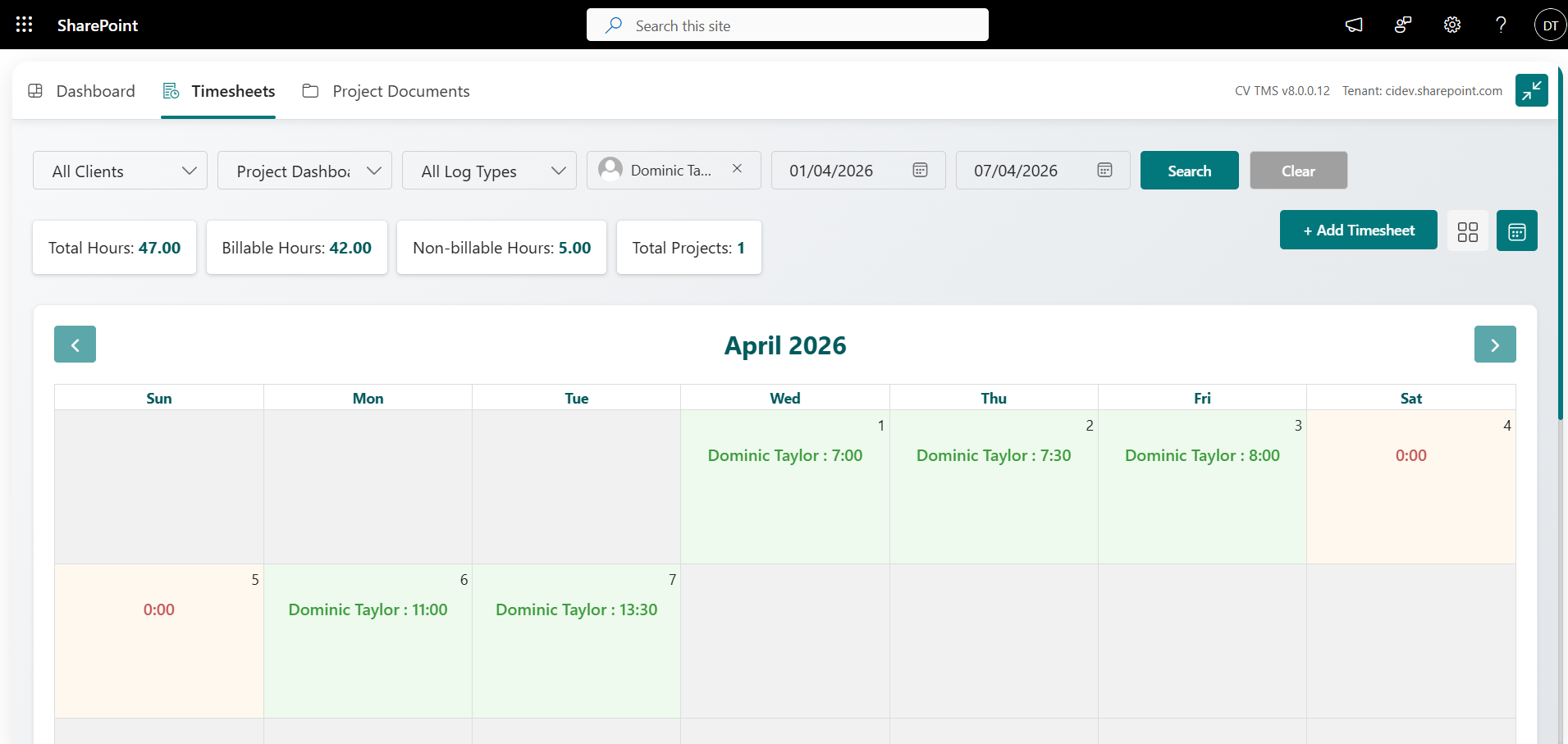
Users can filter, and sort timesheets based on date, project, or task, making it simple to view specific entries. This feature provides quick access to the most relevant timesheet data for managers and employees.

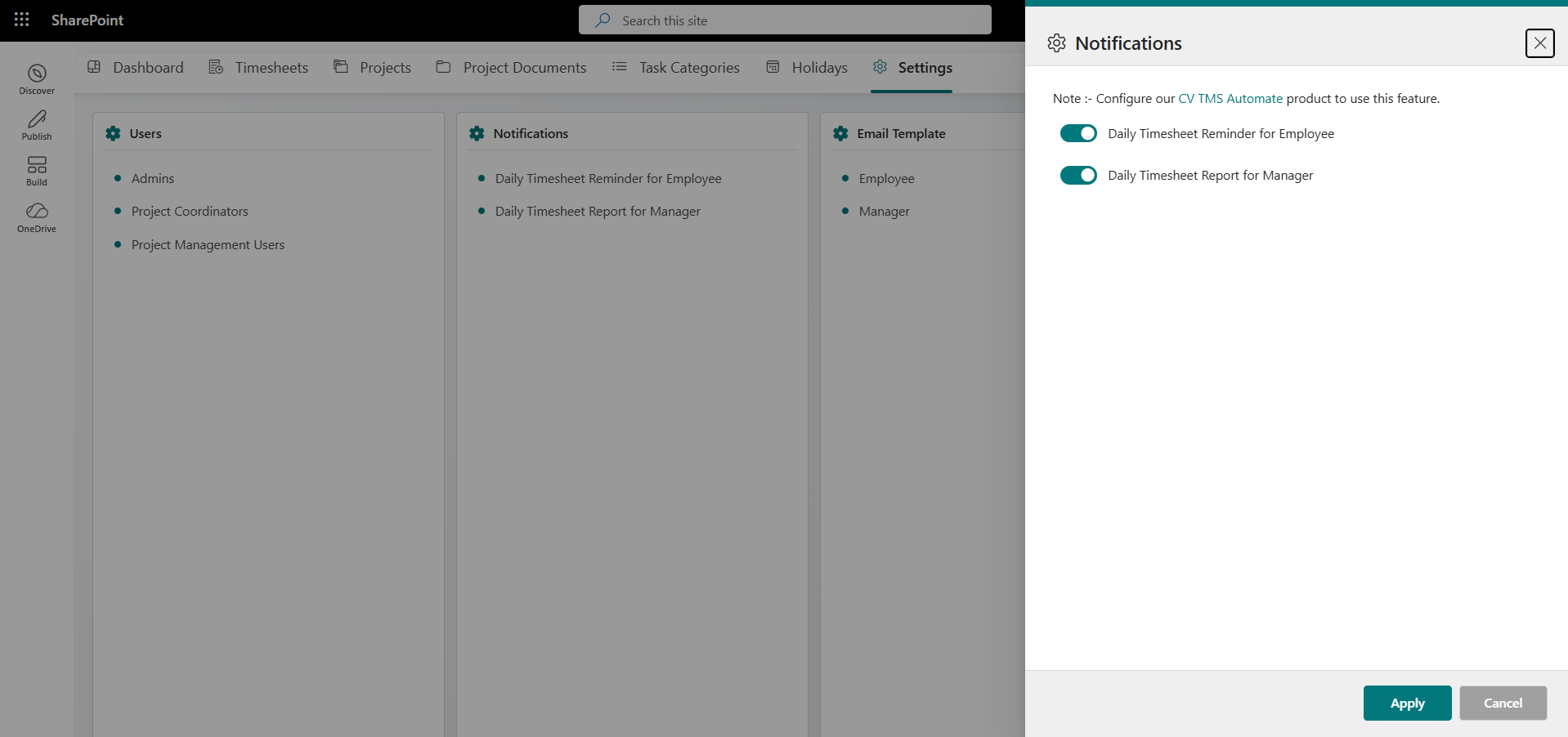
Mail Reminder for Missed Timesheets
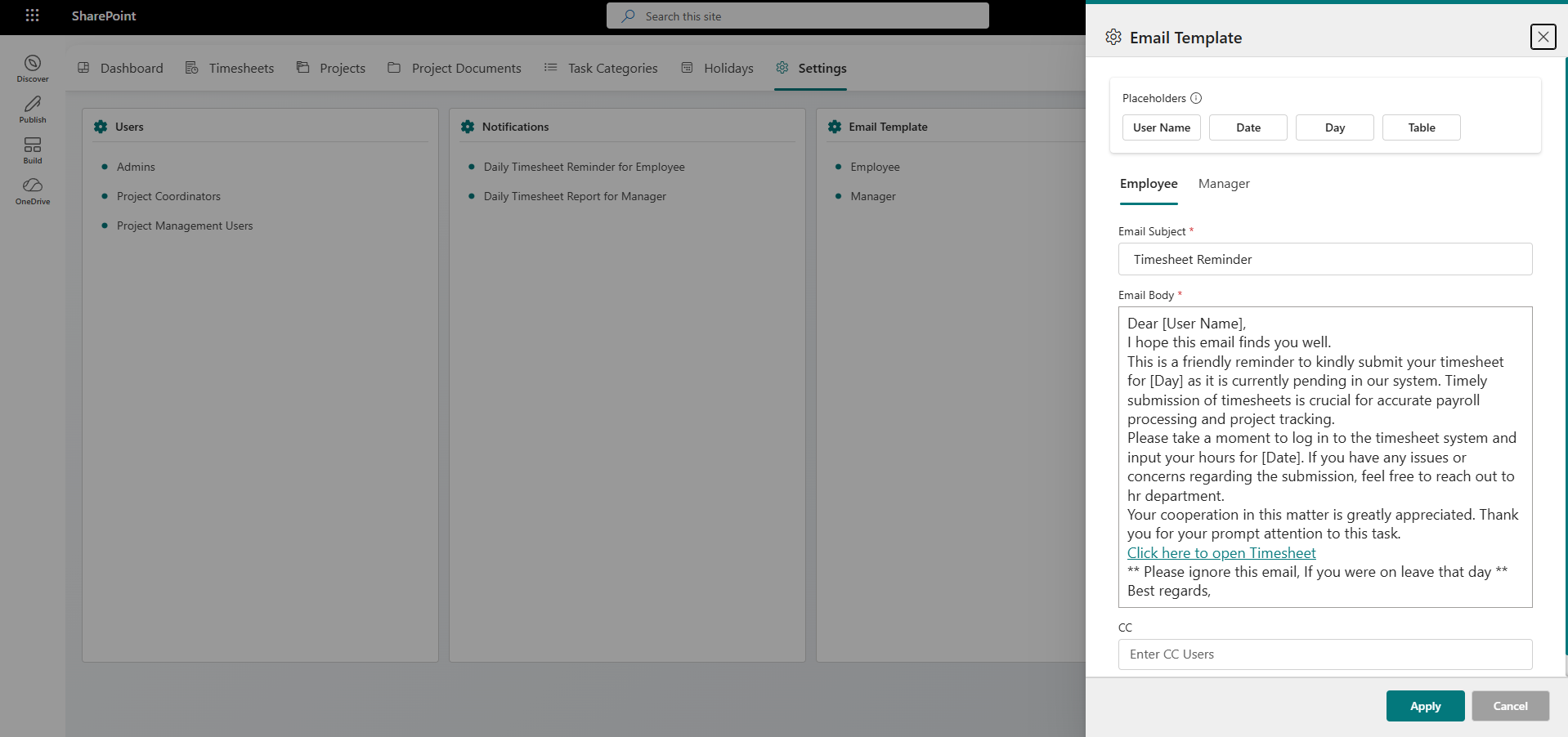
Automated email reminders notify users if they forget to fill in their timesheets. This ensures timely updates and prevents delays in payroll and project tracking, promoting consistent timesheet entries.

Multi-User Access & Permissions
Define specific roles and permissions for managers, employees, and admins, ensuring data security and controlled access. This feature enables organizations to manage who can view or edit timesheet records.

Real-time Dashboard & Reports
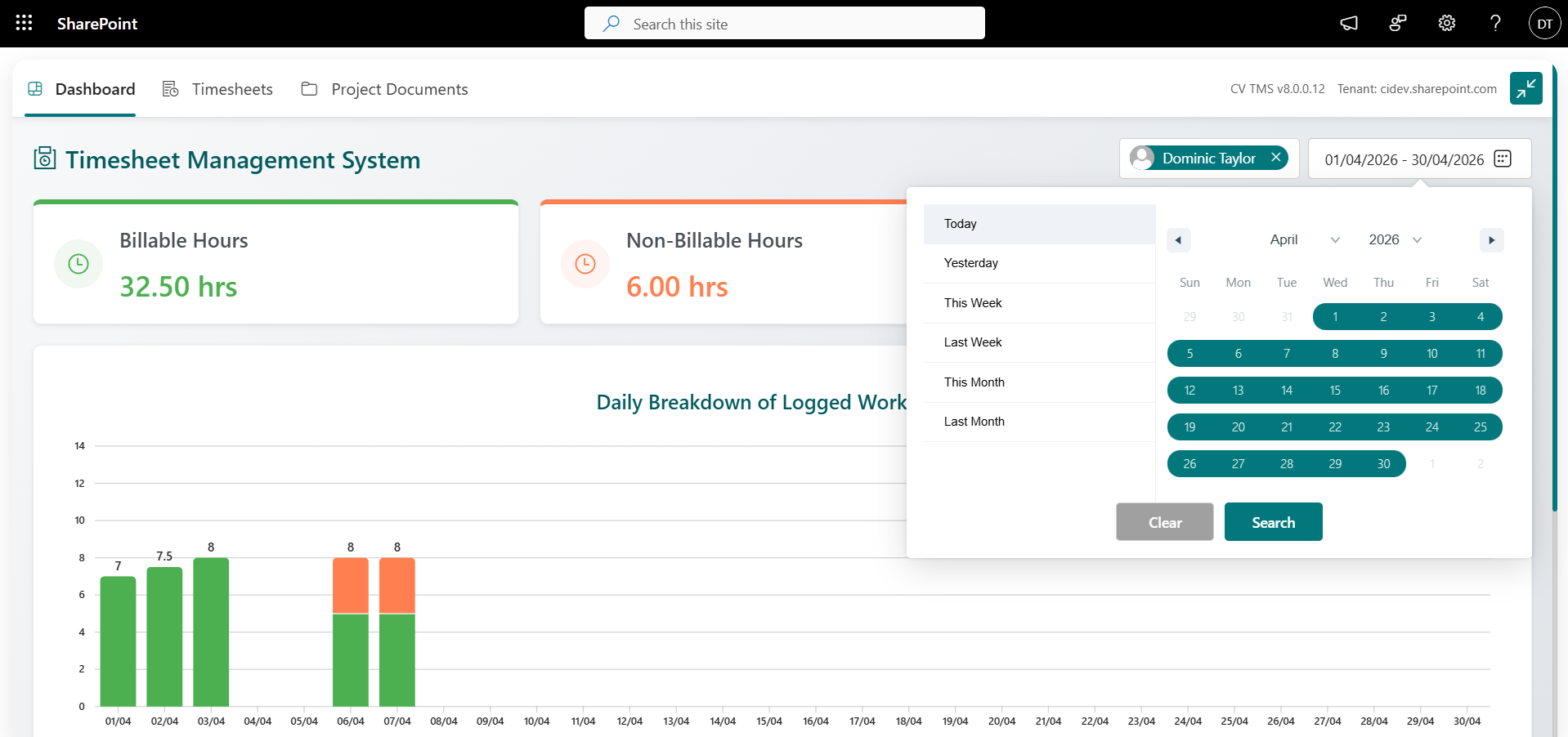
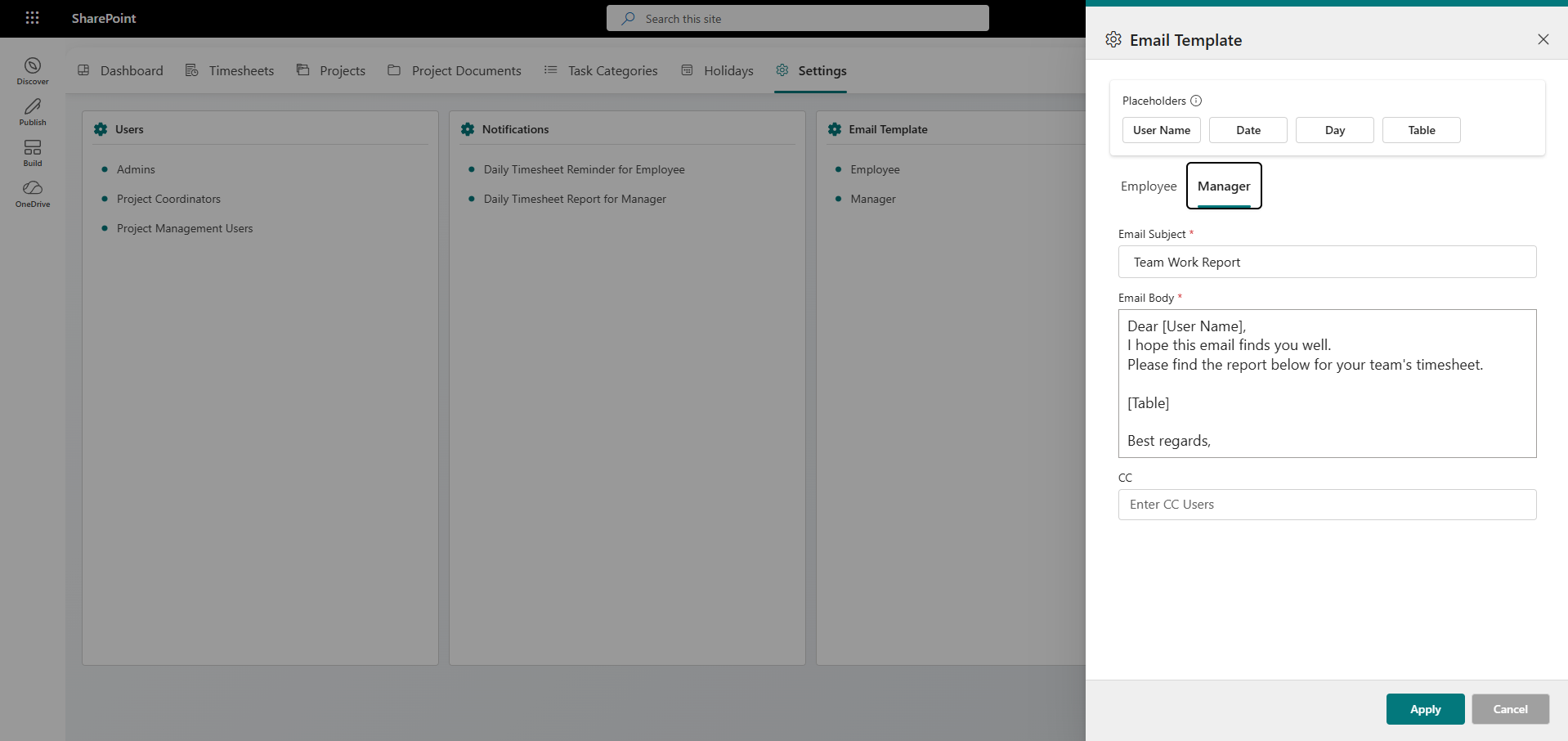
A real-time dashboard for admins and managers to monitor employee time entries, project hours, and overall productivity, generating detailed reports.

Mobile Accessibility
Access and complete timesheets on mobile devices, enabling users to log their hours from anywhere. This feature enhances flexibility and ensures timely submissions, even for employees working remotely or on the move.
Explore CV Timesheet with AI
Ask ChatGPT how CV Timesheet simplifies time tracking, approvals and project reporting.
Real Results. Real Impact.
Explore All Case StudiesStreamlining Operations with SharePoint-Powered Intranet & Project Management System
A case study on how SharePoint streamlined intranet, timesheets, budgeting, and project management into one platform — cutting manual work and driving efficiency
35%
Faster Project Delivery
60%
Faster Reporting
40%
Less Admin Work
50%
Better Budget Visibility

Use Cases: How It Works in the Real World

How CV Timesheet Management System Can Help:
- Centralize employee time tracking across departments and teams.
- Record working hours by project, task, and activity.
- Provide role-based access for employees, managers, and administrators.
- Monitor real-time timesheet submissions, logged hours, and missing entries.
- Automate email reminders for missed timesheet entries.
- Generate reports to support workforce management and productivity analysis.
Centralized Employee Time Tracking Across a Growing Enterprise
Industry
IT & Technology Services

Challenges
Organizations with distributed teams often struggle to maintain accurate employee time records across multiple departments and projects. Manual timesheets can result in missed submissions, inconsistent data, time-consuming follow-ups, and limited visibility into workforce productivity.
Proposed Solutions
CV Timesheet Management System centralizes employee time tracking within a SharePoint-based environment. Employees can record their working hours from desktop or mobile devices, while managers and administrators gain real-time visibility into timesheet submissions, project hours, and employee activity.
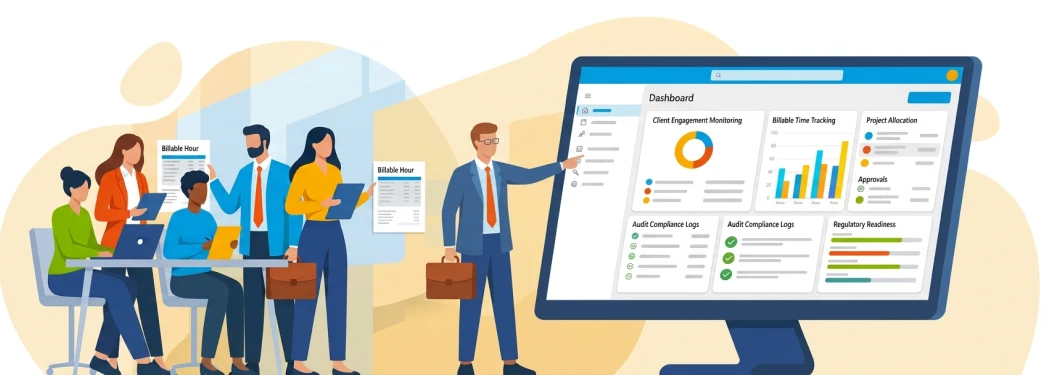
How CV Timesheet Management System Can Help:
- Differentiate between billable advisory work and non-billable audit preparation hours.
- Record working hours by client engagement, project code, and specific compliance task.
- Track partner and manager approval workflows in real time before client billing.
- Automate email reminders to ensure timesheets are closed promptly at month-end.
- Generate detailed time reports to accelerate invoicing and support external regulatory audits.
Accurate Billable Hours Tracking and Audit Compliance for Financial Engagements
Industry
Financial Services & Accounting
Challenges
Accounting and financial advisory firms frequently suffer billing leakage due to delayed, inaccurate time logging across multiple client accounts. Partners spend valuable time chasing team members for end-of-week submissions, reconciling billable vs non-billable hours, and auditing manual records before generating client invoices.
Proposed Solutions
CV Timesheet Management System brings structured time tracking directly into the Microsoft 365 workspace. Financial analysts and auditors categorize task-level hours on web or mobile devices, while automated reminders, built-in partner approval hierarchies, and SharePoint-native reporting ensure accurate client billing and faster month-end financial closure.
Why Choose CV Timesheet Management System
Codevision Technologies delivers an accurate timesheet management solution that simplifies time tracking and speeds up payroll processing.

Microsoft Expertise
Certified Microsoft specialists building timesheet solutions natively integrated with Microsoft 365 and Dynamics 365.

Accurate Time Tracking
Simplify project and task-based time tracking with automated approvals and real-time reporting.

Proven Implementation
Successfully deployed across enterprises to replace manual timesheets with zero disruption to payroll cycles.

Product Innovation
Building Marketplace-certified solutions that extend Microsoft platform capabilities for workforce management.
100
Digital, Paperless Time Tracking

90
Improvement in Timesheet Accuracy

80
Reduction in Manual Timesheet Errors

75
Faster Payroll Processing

Product Gallery

Resources & Documentations
Everything you need to install, configure, and use the product.


Frequently Asked Questions
CV Timesheet Management System is a SharePoint-based application designed to simplify employee time management and enhance project efficiency. It enables employees to track their work hours, select project assignments, and provide task details, all within a user-friendly interface integrated seamlessly with SharePoint.
Our application allows you to categorize timesheets by different projects and tasks. This feature ensures accurate tracking of work hours across various activities and initiatives, helping you streamline project management and reporting.
Yes! CV Timesheet Management System is fully accessible on mobile devices, allowing employees to log their time from anywhere. This feature enhances flexibility and ensures that timesheets are filled out on time, even when employees are working remotely or traveling.
The system includes an automated email reminder feature that notifies users if they forget to fill in their timesheets. This ensures timely updates, preventing delays in project tracking.
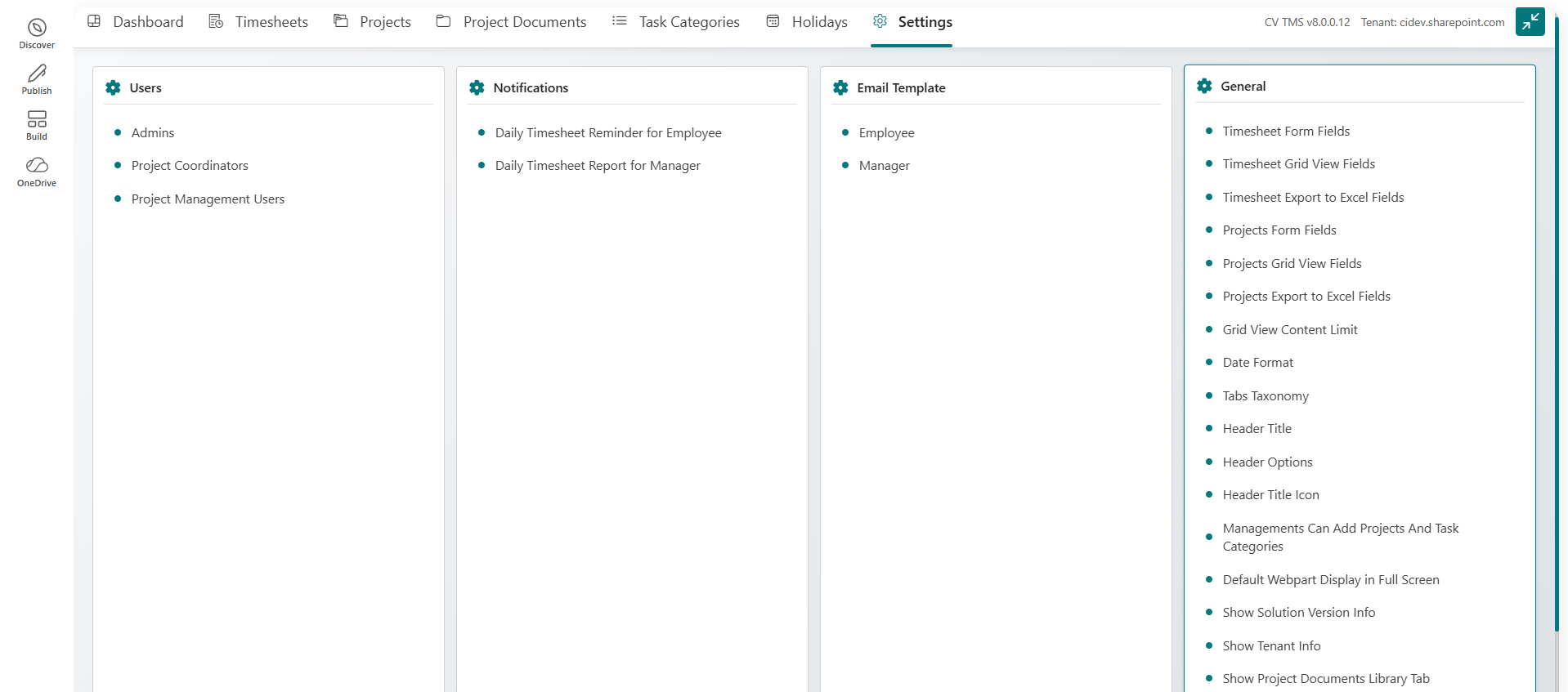
Yes! CV Timesheet Management System allows you to define specific roles and permissions for different users. You can control who has access to view or edit timesheet records, ensuring that data is secure, and access is properly managed across various user levels.
By automating the timesheet process and providing real-time insights into employee time management, CV Timesheet Management System reduces administrative burdens and encourages accountability. Its user-friendly interface and robust reporting features help teams stay on track and improve overall productivity.
Getting started is easy! Simply contact us today to get more information about how CV Timesheet Management System can streamline your time management processes and boost your team’s efficiency. We’ll guide you through the setup and integration with your SharePoint environment.
Yes! CV Timesheet Management System is designed to scale to fit the needs of both small teams and large organizations. Its flexible features and real-time reporting capabilities make it an ideal solution for managing time across diverse project teams, regardless of size.
CV Timesheet Management System ensures that all data is securely stored within your SharePoint environment. With role-based access controls, the application offers a high level of security and data protection, ensuring that only authorized users can access or modify timesheet records.
We regularly update the product to add new features, improve performance, and address any issues. Updates are released frequently and are available to all users of the Pro version.
For assistance with any of our solutions, please contact our support team at support@thecodevision.com We’re here to help with any questions or issues you may encounter.
Our commitment is to promptly address support inquiries; while immediate resolution is our goal, we kindly ask users to allow up to 24 – 36 hours for a response. Online meetings must be scheduled in advance and may take a few days to arrange.
Related Products
CV Classified
Enable secure internal buying and selling with a SharePoint-powered marketplace for your organization.
Read More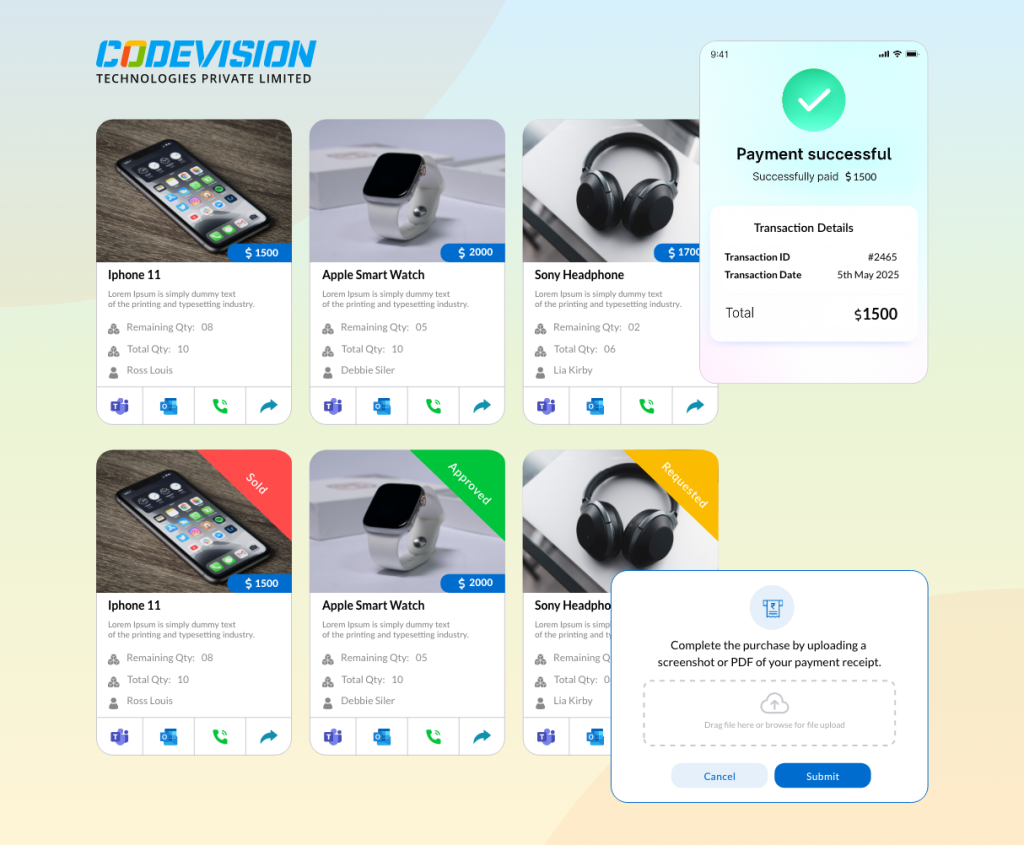
CV Intranet
Connect, engage, and centralize your workplace with SharePoint for smarter, seamless collaboration.
Read More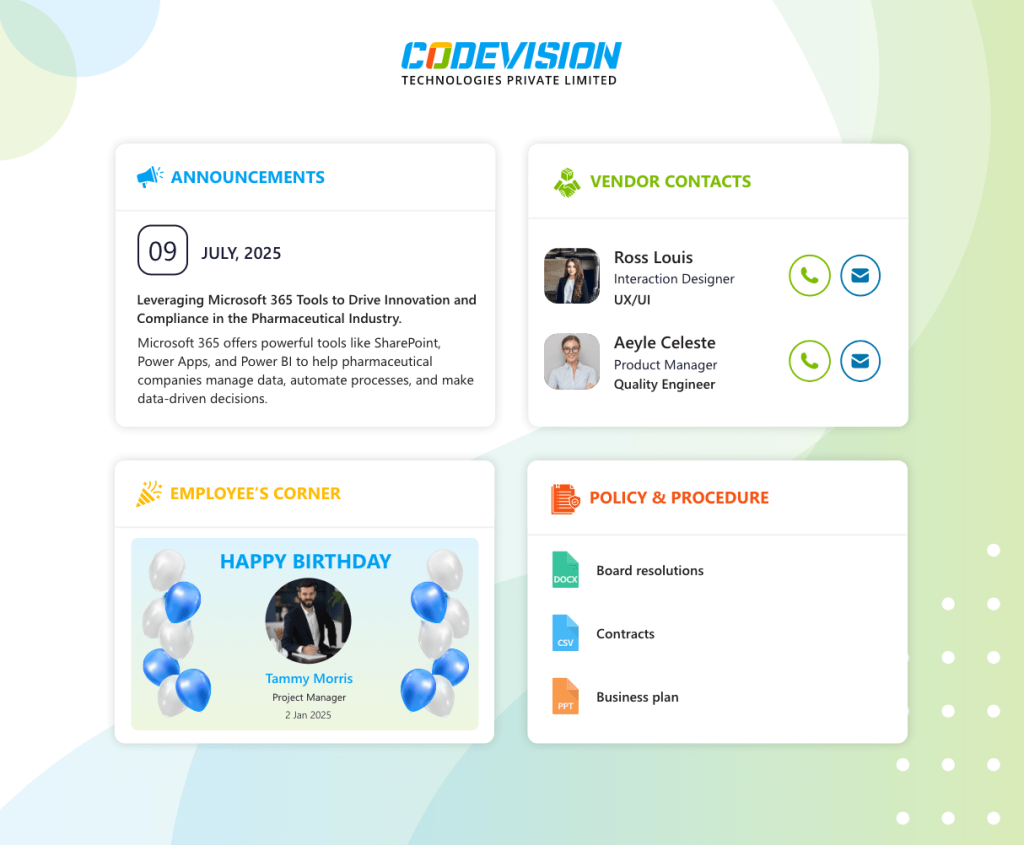
CV Leave Request
Simplify employee leave requests, approvals, and tracking with SharePoint-based leave management system.
Read More