


Trusted by Progressive Companies






What Microsoft Copilot Studio development makes possible
Microsoft 365 Copilot is powerful out of the box — but the real advantage comes from custom copilots that understand your data, processes, and rules. Codevision designs, builds, and deploys those agents on Copilot Studio, right inside the Microsoft tools your teams already use:
- Grounded in your data — copilots that answer from Dataverse, SharePoint, and your systems.
- Built on Copilot Studio — low-friction agents that live in Teams and Microsoft 365.
- Connected to actions — copilots that trigger Power Platform flows, not just talk.
- Governed and secure — deployed under your tenant’s security and compliance controls.
Our Copilot Studio services

Custom Copilot Development
Purpose-built copilots grounded in your data and business rules.
Copilot Studio Agents
Agents designed, built, and published on Microsoft Copilot Studio.
Power Platform Integration
Copilots wired to Power Automate flows and Dataverse for real actions.
Microsoft 365 Deployment
Copilots surfaced in Teams and Microsoft 365 where work happens.
Knowledge Grounding
Retrieval over SharePoint, Dataverse, and line-of-business data.
Governance & Adoption
Security setup, usage controls, and user enablement for lasting adoption.
Certified builders on the Copilot platform
We extend Microsoft Copilot rather than reinvent it — with the certifications to prove it.

Copilot Studio Expertise
Certified specialists building custom copilots and agents daily.

Power Platform Depth
Deep experience across Power Automate, Power Apps, and Dataverse.

In-Tenant & Secure
Copilots deployed under your Microsoft 365 security baseline.

Adoption-Focused
Enablement that turns a deployed copilot into a used one.

Faster task completion with a custom copilot

Reduction in repetitive lookups
Weeks to first deployed copilot

Copilots delivered
How we build a Copilot
A path from a clear use case to a copilot your teams actually use.
Identify Use Cases
We find where a copilot saves the most time across your teams.
Ground & Build
We build on Copilot Studio and connect your data and flows.
Secure & Test
We apply governance and test with real users.
Deploy & Enable
We roll out in Microsoft 365 and drive adoption.
Built for trust, security, and governance
Copilots touch sensitive data, so security and control come first.

Tenant Security
Copilots inherit your Microsoft 365 security and compliance baseline.
Permission-Aware
Copilots respect existing access rights — users see only what they should.
Responsible AI
Grounding and checks aligned with Microsoft's Responsible AI standards.

Usage Governance
Controls and monitoring over how copilots are used across the org.
Industries We Empower
Delivering Microsoft-driven solutions that streamline operations, accelerate growth, and drive digital transformation across diverse industries worldwide.

Automotive
Automotive
Microsoft-certified software connecting dealerships, supply chains, and connected-vehicle data—built to scale securely.
Read More
Finance
Finance
Secure, compliant software for banking, insurance, and FinTech—built on Microsoft-certified delivery.
Read More
Government & Public Sector
Government & Public Sector
Secure, compliant software that helps agencies modernize services and serve citizens better.
Read More
Healthcare
Healthcare
Microsoft-certified healthcare software that protects patient data and streamlines clinical workflows.
Read More
Manufacturing
Manufacturing
Cut downtime and gain real-time shop-floor visibility with Microsoft-native manufacturing solutions.
Read More
Real Estate & Construction
Real Estate & Construction
Keep projects, properties, and stakeholders in sync with integrated, data-driven software
Read More
Transportation & Logistics
Transportation & Logistics
Track fleets, optimize routes, and unlock end-to-end supply chain visibility.
Read More
Travel and Hospitality
Travel and Hospitality
Track fleets, optimize routes, and unlock end-to-end supply chain visibility.
Read MoreReal Results. Real Impact.
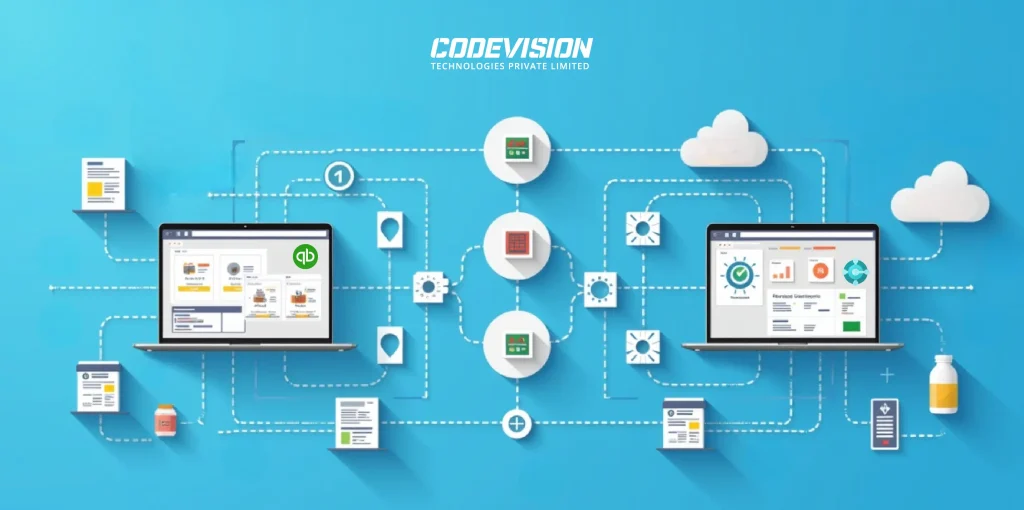
Explore All Case StudiesTransforming Pharma Inventory and Financial Management via Dynamics 365 Business Central–QuickBooks Integration
Discover the real-world impact of integrating Dynamics 365 Business Central with QuickBooks — better batch tracking, automated processes, accurate reporting, and scalable pharma operations.
99%
Sync Accuracy
50%
Faster Reconciliation
80%
Fewer Data Errors
35%
Better Compliance
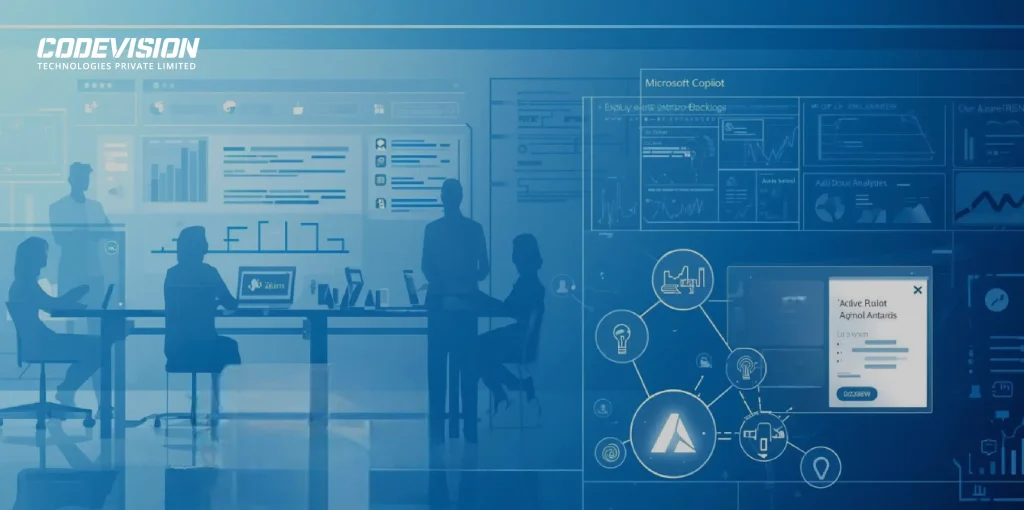
Streamlining Project Management Workflows with Microsoft Copilot Agent
Discover how Codevision Technologies used Microsoft Copilot Agent to unify Jira, Azure DevOps & internal tools — enabling real-time insights, AI-powered automation, and a 30–40% boost in productivity.
40%
Operational Efficiency
60x
Faster Reporting
60%
Less Manual Work
40%
Better Team Alignment
Simplifying Document Tracking and Resident Management with Microsoft Power Automate
Discover how a UK care group transformed compliance and resident management with Microsoft Power Automate — cutting manual work and boosting accuracy.
70%
Faster Verification
24/7
Compliance Visibility
100%
Centralized Resident Data
35%
Better Compliance

Trusted by Businesses Worldwide: 100+ Happy Clients
They've experienced our services and they know how we did it.

Thanks to CODEVISION TECHNOLOGIES's efforts, our administrative workload was reduced by 30% through automated timesheet processing. They managed the project reliably and communicated proactively and transparently.
Youth Unity CIC

Whenever we have additional workloads requiring additional resources, Codevision team was great. Very responsive and they make many efforts to make sure we have the work as requested in a concise and timely manner.
Gilles Pinard – Canada

“Jinesh was a pleasure to work with. I worked with other people with no luck, found Jinesh and his team and it became so easy. We had our site up and running when they said it would be. They answered all questions and worked with us to understand how to operate in the admin role. I plan to work with them again in the future for our SharePoint site.”
Rick Reiter
Titan Renewables

“Ashish and his team are one of the few people that I look at and consider know what SharePoint can and can’t do . They have been there, done that, and lived to tell about it. Ashish is tireless in his effort to deliver and is always someone that you can count on for sound technical advice.”
Peter Ward
“Great work by Jinesh and his team! He is proven to be a veteran for SharePoint development. His team promptly available and very professional. They kept me updated daily as the development progressed. Delivered in a timely fashion and patiently covered all my concerns.”
Bhavani Rajadeepan
Aara Solutions
“I have had an opportunity to work with the CodeVision team on couple of critical Microsoft Share Point projects. I found the team very knowledgeable, responsive, and committed to making the projects successful.”
Manoj Gupta
Zibanka Media Services Pvt Ltd

“Great work, timely and prompt with all communications and deliverables.”
Acorn Sales Company, Inc
“Ashish and the CODEVISION team are exceptional. Their attention to detail, focus on delivery and work product are excellent. We continue to use CODEVISION for numerous projects within our organization.”
Arif Harji
Mtfx Group
Turning my vision into reality was tough—until I met Ashish and the Codevision team. With their expertise and Microsoft’s latest tools, they helped build Visibility™, a system that empowers great credit controllers to thrive. Their support has been exceptional, and we see them as a key partner in our future app development.
OnCloud Solutions Ltd

CODEVISION have been developing our websites for the last year and we have found them proactive, giving great feedback and ideas. The team at CodeVision are professional, responsive and excellent in communication. We have no hesitation in recommending them as they are absolute experts in what that do.
Veritas Commercial Services
The system speed up the business data processes, which received a high level of end-clients satisfaction. The people were able to understand their tasks and clarify expectations from requesters. CODEVISION TECHNOLOGIES PRIVATE LIMITED’s customer-oriented approach outstandingly solved the problem.
Hyva, Netherlands

Do you want quality? You should hire CODEVISION team. Unbelievable developers and great people too! It was such a pleasure to work with them. We have no doubts that we are going to work together again.
Agency Coda

Codevision delivered good work on this SharePoint development project and I enjoyed working with them. Communication was top-notch, they met all deadlines, and skills were reasonably strong. I enjoyed working with them and will likely have additional projects for them in the future.
Aalto Srl Italy

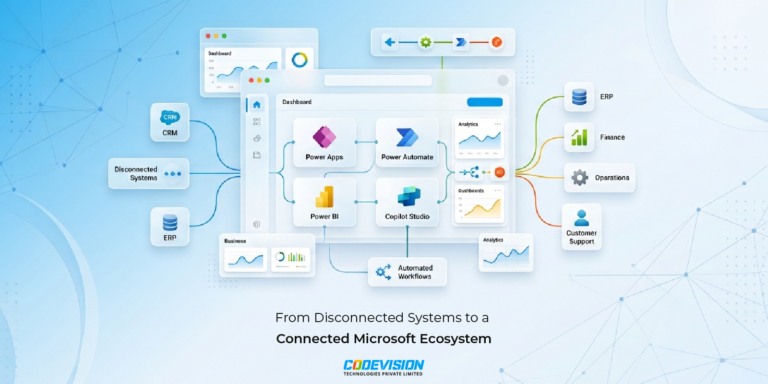
Power Platform
How Microsoft Power Platform Powers Frontier Transformation for Modern Enterprises
Move beyond automation with Microsoft Power Platform. Connect data, processes, and applications to streamline operations and accelerate business growth.

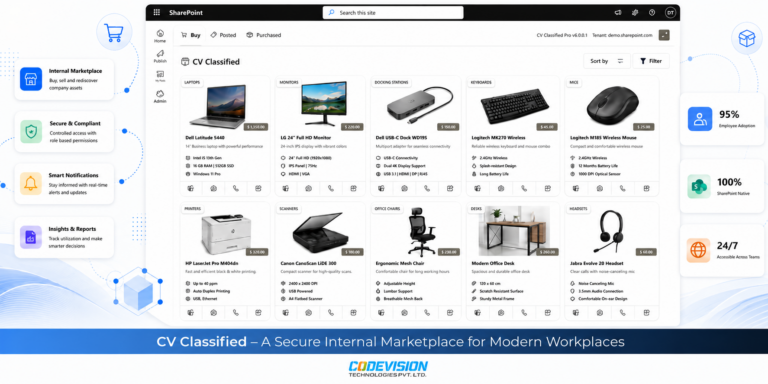
Microsoft 365
Why Companies Lose Thousands on Unused Office Assets Every Year
Unused office assets often lead to duplicate purchases and unnecessary costs. Learn how CV Classified helps organizations reuse existing assets through a secure SharePoint-powered internal marketplace.

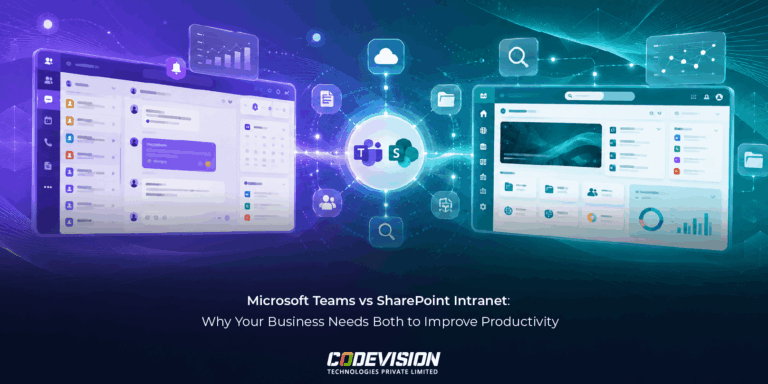
Microsoft 365
Microsoft Teams vs SharePoint Intranet: Why Modern Businesses Need Both
Microsoft Teams and SharePoint Intranet aren't competitors—they're complementary tools. Learn how using both together improves communication, knowledge sharing, governance, and employee productivity.
Frequently Asked Questions
Microsoft Copilot Studio is a platform for building custom copilots and AI agents — grounded in your data, connected to Power Platform actions, and deployable across Microsoft 365. Codevision designs, builds, and deploys these for enterprises.
Microsoft 365 Copilot is the ready-made assistant across Office apps. Copilot Studio lets you build custom copilots grounded in your own data and wired to your specific processes.
We deliver end-to-end, from first copilot to enterprise rollout:
- Custom copilot development grounded in your data
- Copilot Studio agents designed and published
- Power Platform integration with Power Automate and Dataverse
- Microsoft 365 deployment into Teams and Office
- Governance and adoption support
Yes. We ground copilots in Dataverse, SharePoint, and your line-of-business systems so they answer from your knowledge and respect your access rules.
Yes. We connect copilots to Power Automate flows and Dataverse so they can take real actions, not just respond.
Yes — copilots inherit your Microsoft 365 security posture:
- Deployed under your tenant’s security baseline
- Permission-aware, so users see only what they should
- Grounded and checked per Microsoft’s Responsible AI standards
We identify high-value use cases first, then pair deployment with user enablement and usage monitoring — so a copilot that’s built actually gets used.